A label die cutter can give print shops more control over how printed sheets are cut, making custom label orders easier to manage without requiring a new physical die for every design. This is particularly useful for smaller jobs. A customer may need 200 labels for a product launch, 500 stickers for an event, or a few samples before committing to a larger run. The challenge isn't necessarily the quantity; it's managing the different sizes, shapes, and production requirements that can come with each order.
Short-Run Label Cutting for Changing Orders
Label production can change quickly. One customer may need a small batch of product labels, while another may need several versions for a seasonal campaign. These orders may not justify setting up a dedicated production process for each design, but they still need clean, consistent results.
This is where short-run label cuttings can be useful. Digital cutting allows print providers to work with different shapes and designs without having to build their workflow around one permanent label format.
Consider a few common scenarios:
- Product launches: A new brand may need a few hundred labels for its first production run.
- Seasonal campaigns: A business may require temporary labels for a holiday promotion or limited-edition product.
- Product variations: One customer may need several label designs for different flavors, sizes, or product lines.
- Samples and prototypes: Packaging companies may need a small number of finished labels to test how a design looks on the final package.
- Promotional stickers: Businesses can produce branded stickers for events, giveaways, or marketing campaigns.
The quantity may be small, but the finished label still needs to look like a professional production piece. A flexible cutting process makes it easier to accommodate these orders without overcomplicating the finishing stage.
Kiss Cutting for Peel-Off Labels
Not every label needs to be cut completely from the sheet.
A kiss cut label machine cuts through the label material while leaving the liner underneath intact. The individual labels can then be peeled from the sheet when needed. This is common for sticker sheets and other peel-off applications.
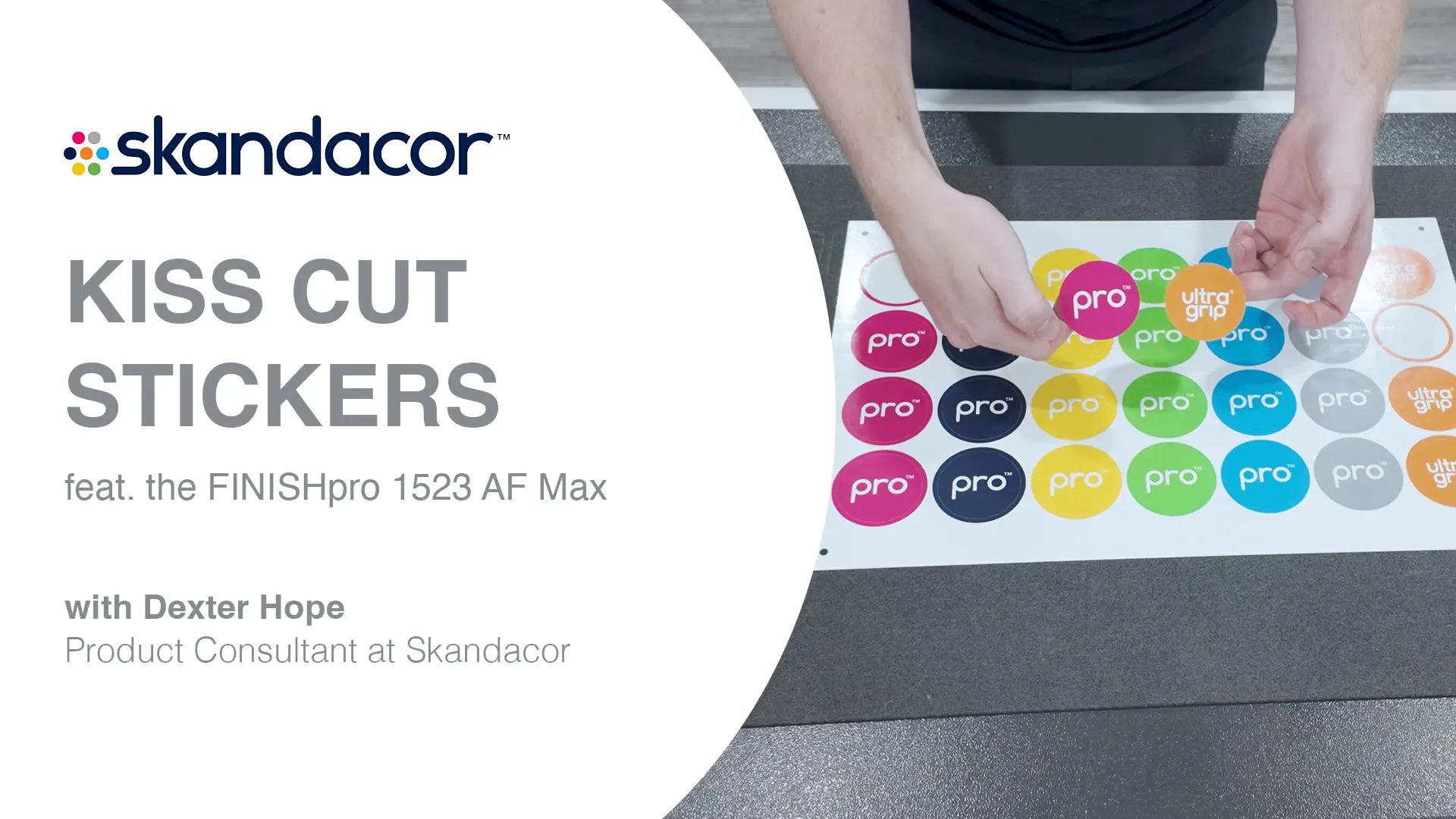
The exact cutting setup depends on the label stock, adhesive, liner, and other material characteristics.
One Cutter, More Than Label Work
A label order doesn't have to be the only reason to invest in digital cutting. If your shop already handles short-run print, the same equipment can potentially be used for other custom finishing applications.
Depending on the machine, tooling, and substrate, a digital cutter can support:
- Custom print magnets for promotions, business cards, or calendars
- Custom printed magnets for branded giveaways and marketing campaigns
- Specialty cards and invitations
- Packaging samples and prototypes
- Product tags and hang tags
- Point-of-purchase displays
- Stickers and promotional pieces
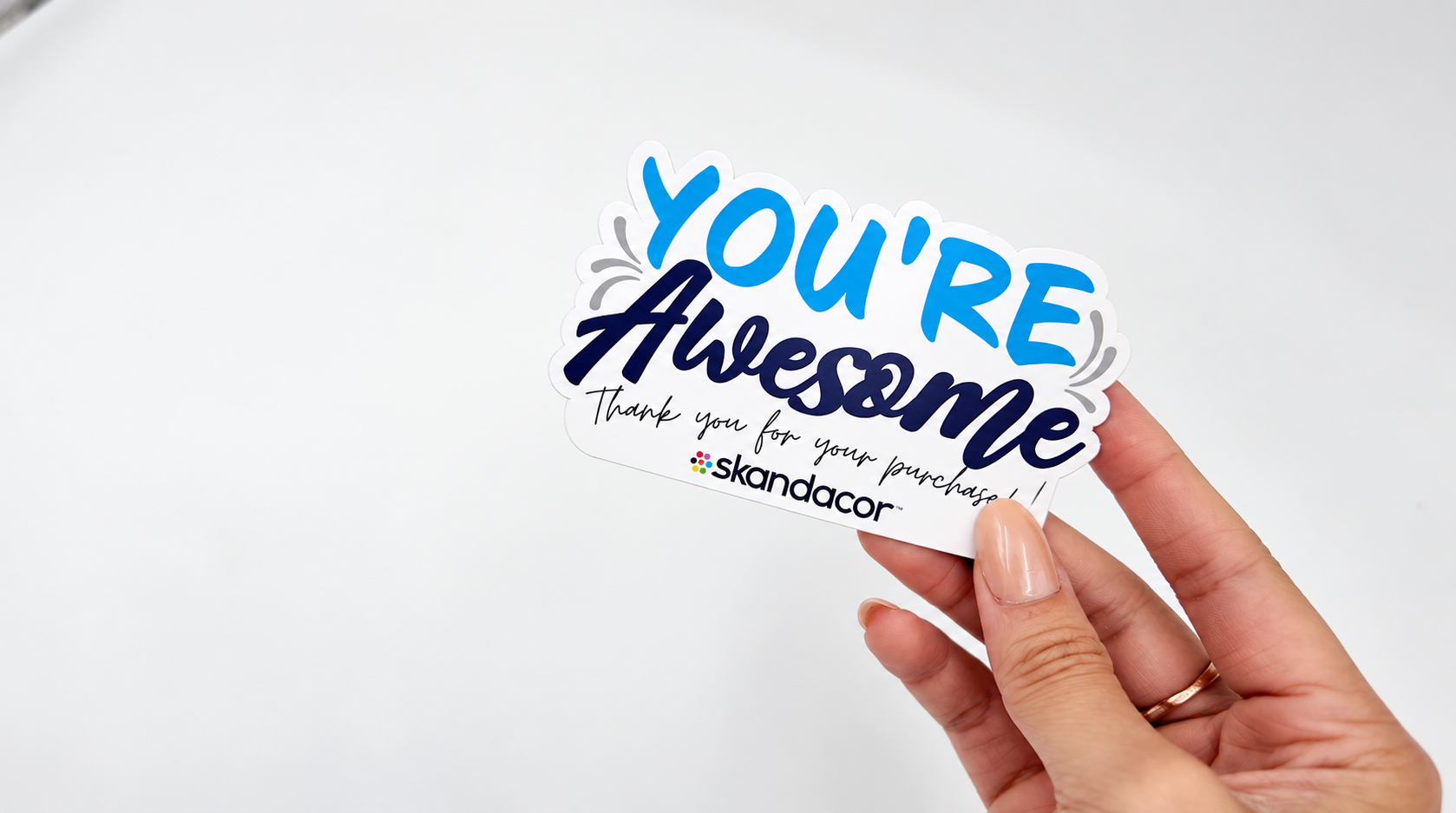
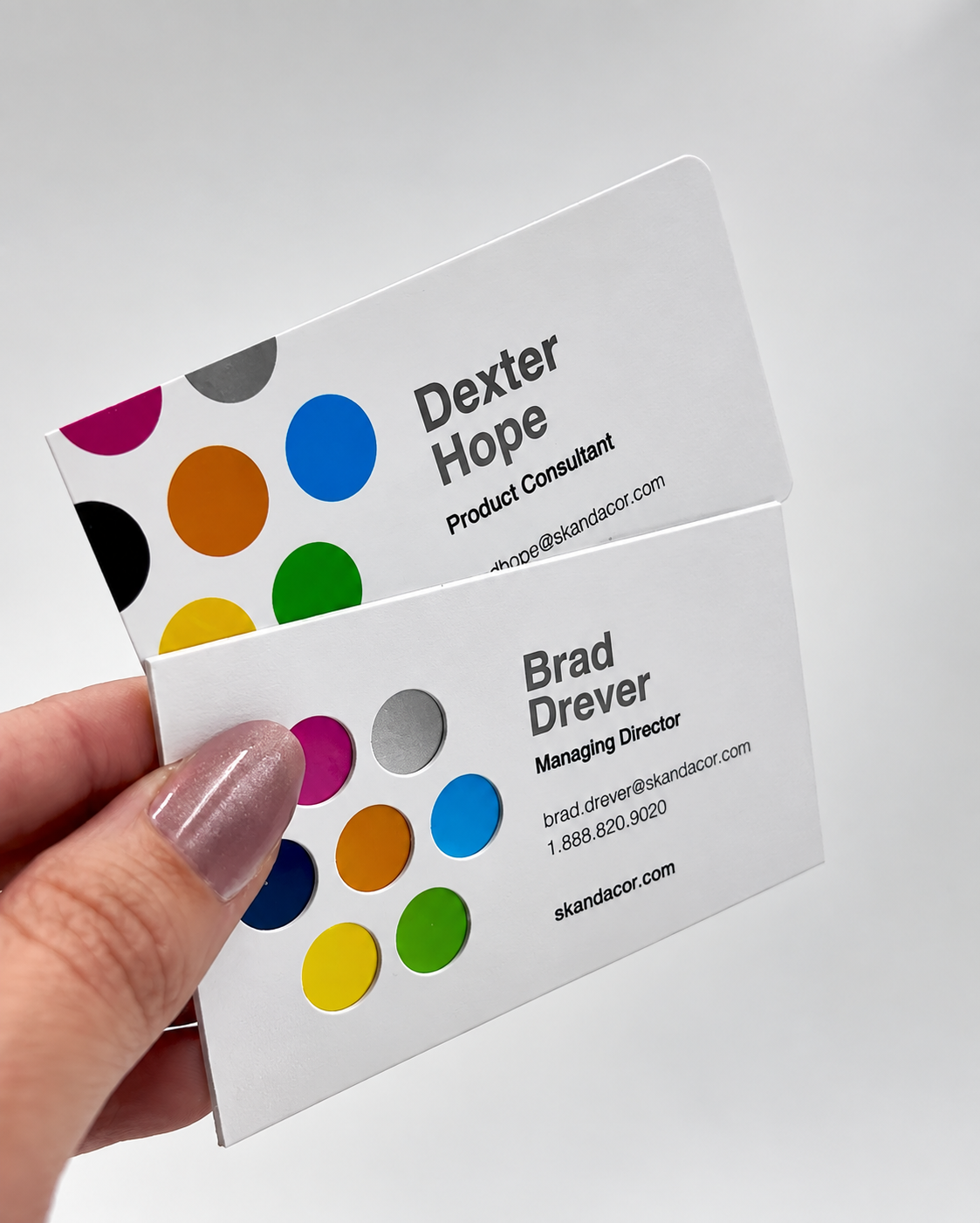
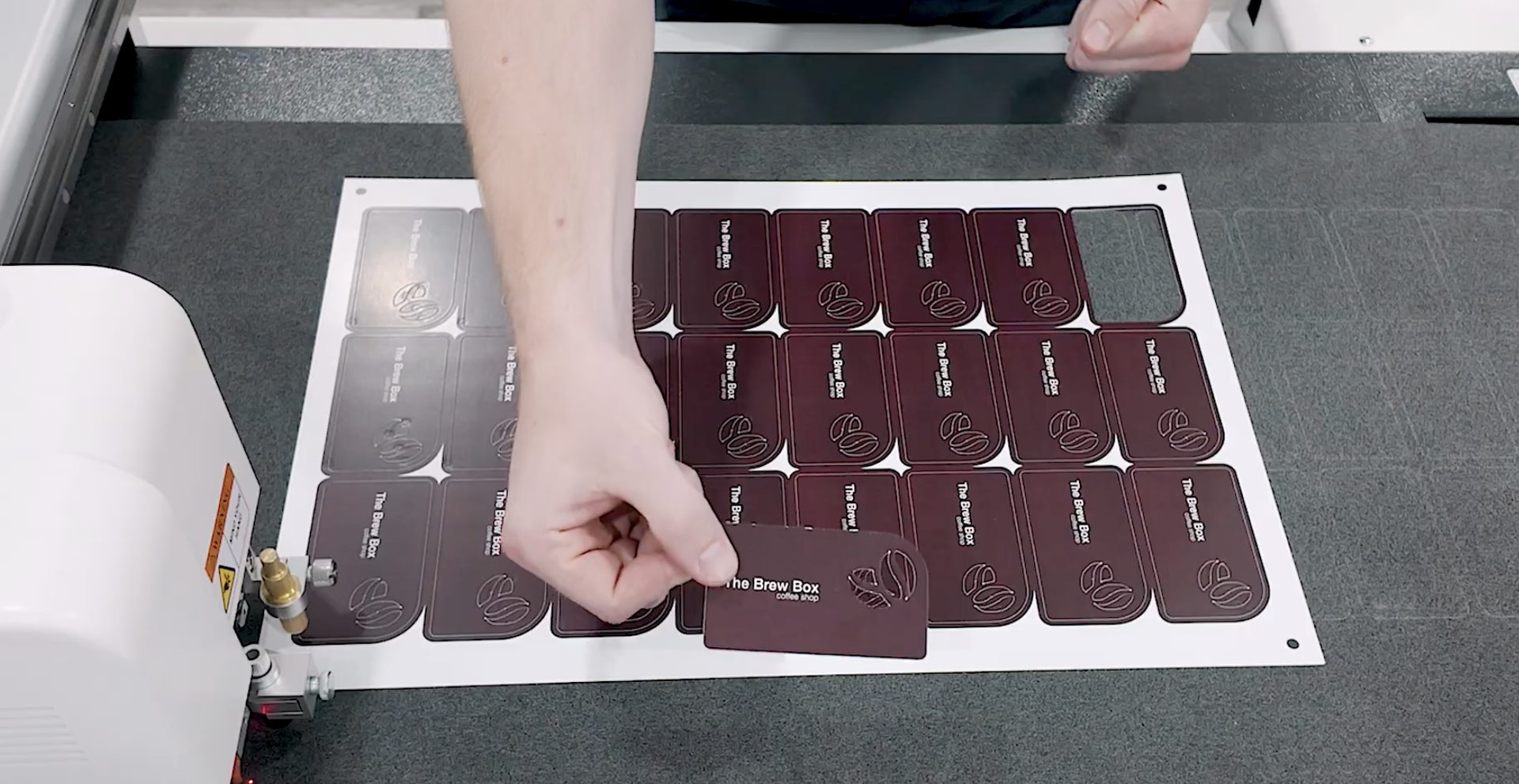
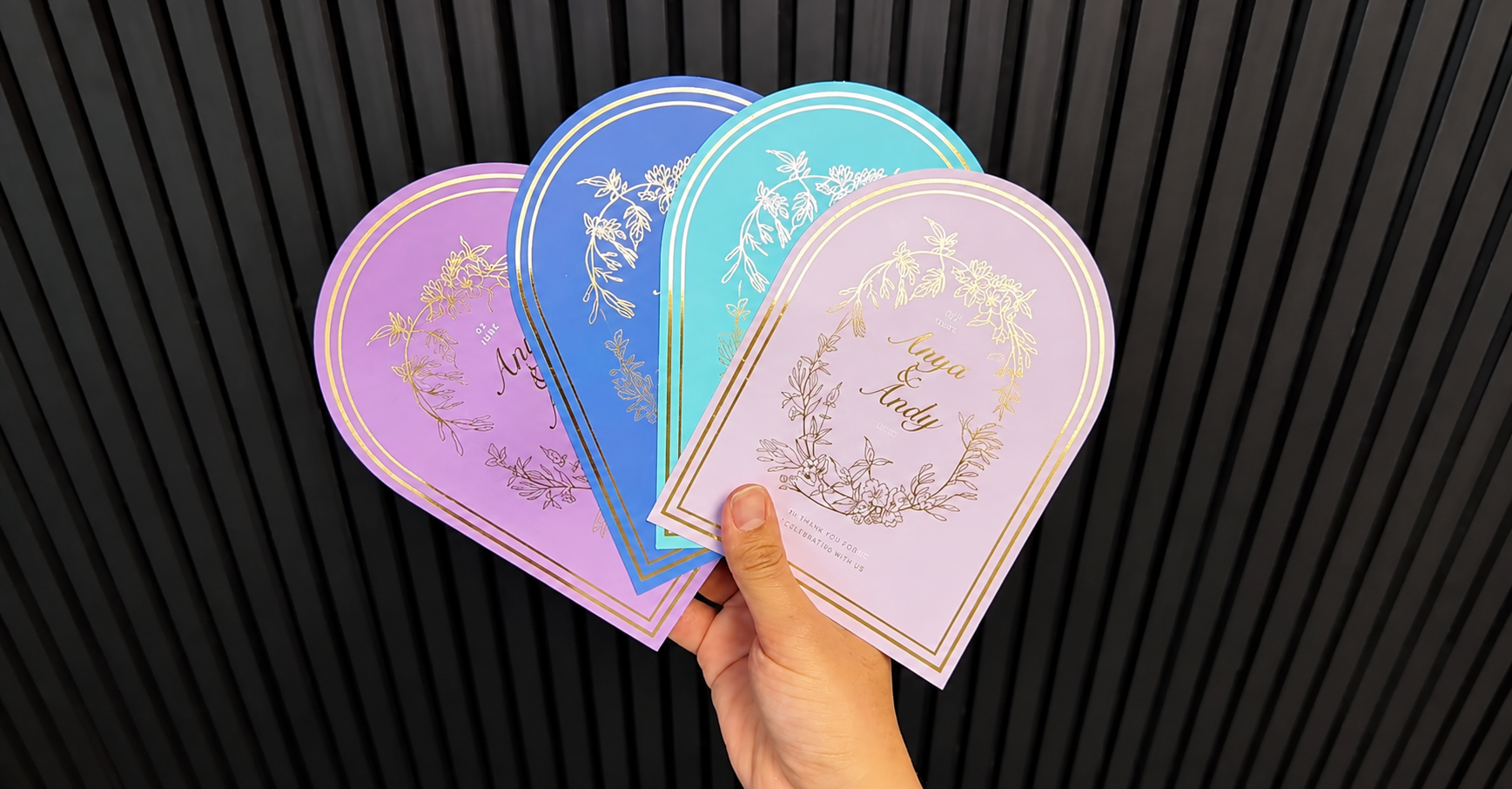
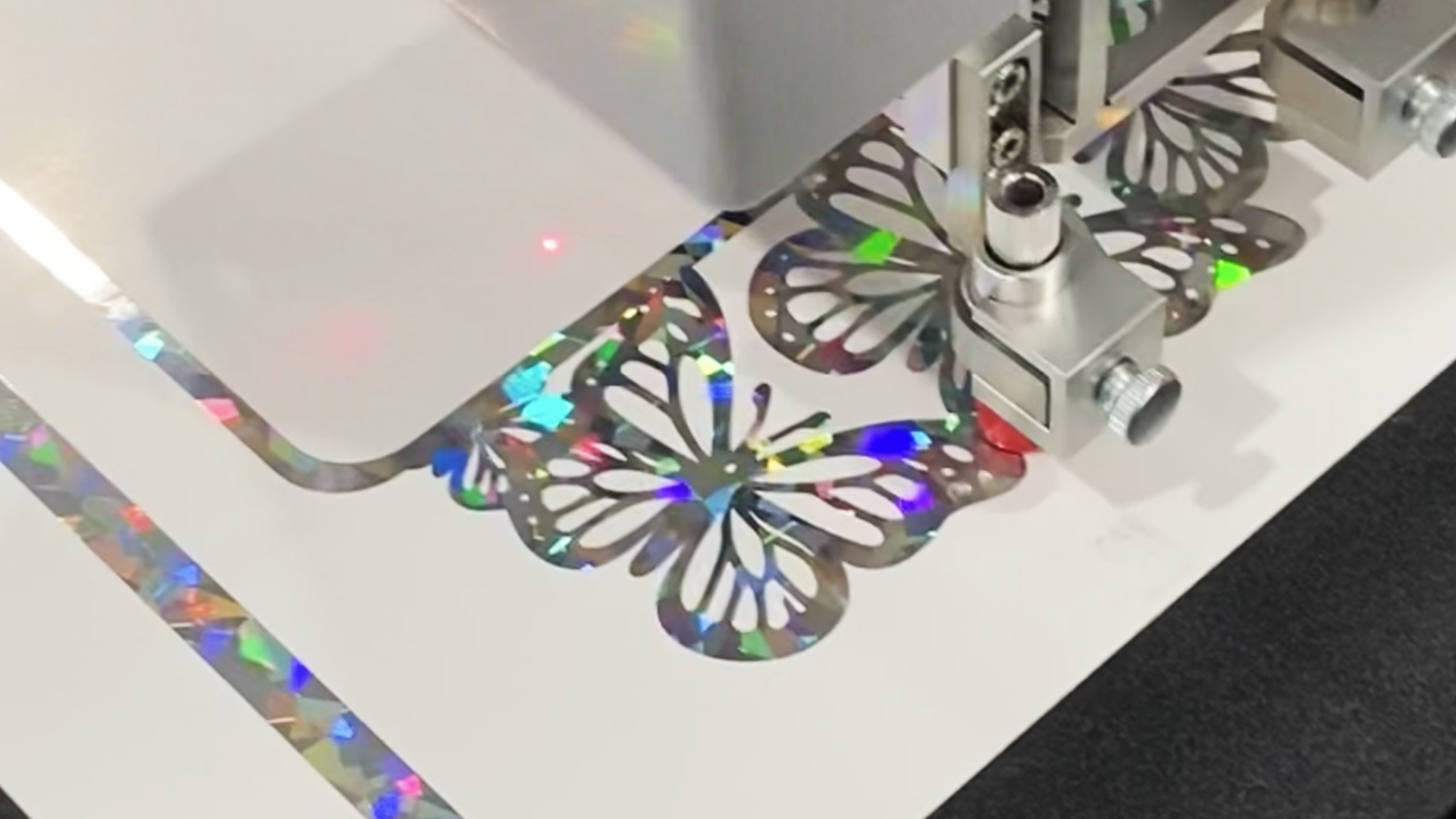
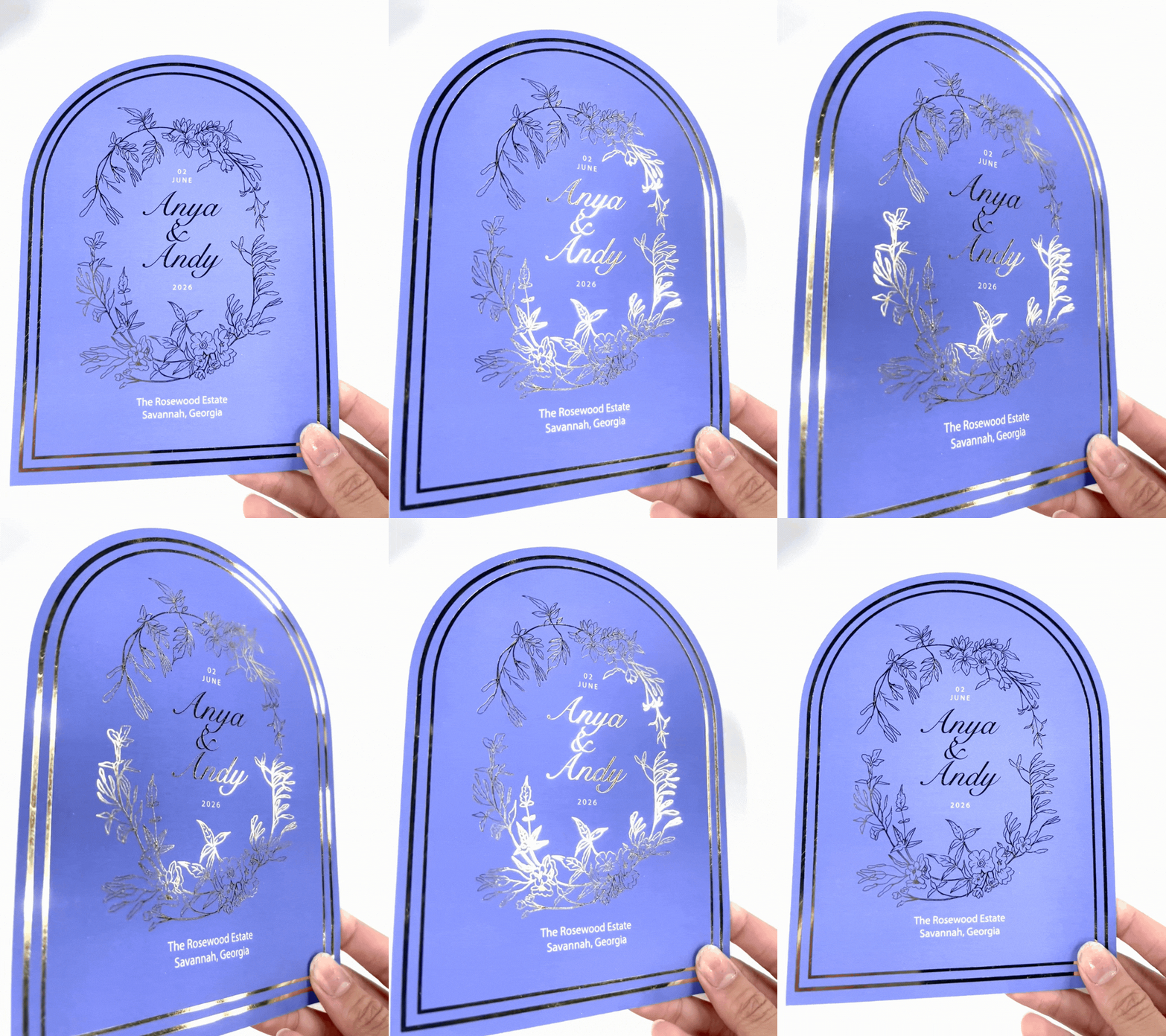
Looking at your full production mix can help determine whether a cutter will add value beyond label work.
What Should You Look for in a Label Cutter?
If you're looking to buy a sheet label cutter, don't start with price alone. Start with your actual production requirements.
Cutting Area
Check the sheet sizes you regularly use. The available cutting area affects how much material you can process at once and how efficiently you can arrange your designs.
Material Support
Label stocks vary. Some jobs may use standard adhesive paper, while others require synthetic materials, specialty media, or laminated sheets. Make sure the cutter is compatible with the materials you plan to run.
Cutting Options
Determine whether you need through-cutting, kiss cutting, creasing, or other finishing capabilities. The right tooling can make a significant difference depending on the applications you produce.
Registration
For printed labels, the cutting path needs to align with the artwork. Look at how the machine handles registration and whether it can maintain the accuracy your applications require.
Other Applications
Don't evaluate the cutter based only on today's label orders. Consider whether it can help you produce other custom work and potentially expand what you offer customers.
Where FINISHpro Fits
For print providers looking to bring more custom finishing in-house, Skandacor's FINISHpro digital die cutters provide options for different production requirements.
The FINISHpro line includes models designed for standard print finishing as well as versions built to handle thicker and more varied substrates. The difference between the FINISHpro AF and AF Max comes down largely to the materials and tooling each series is designed to handle, which can help determine which option fits a particular production environment.
For a shop producing customized magnets alongside labels, for example, having one digital cutting system capable of handling both applications can make the equipment more useful across the production schedule.
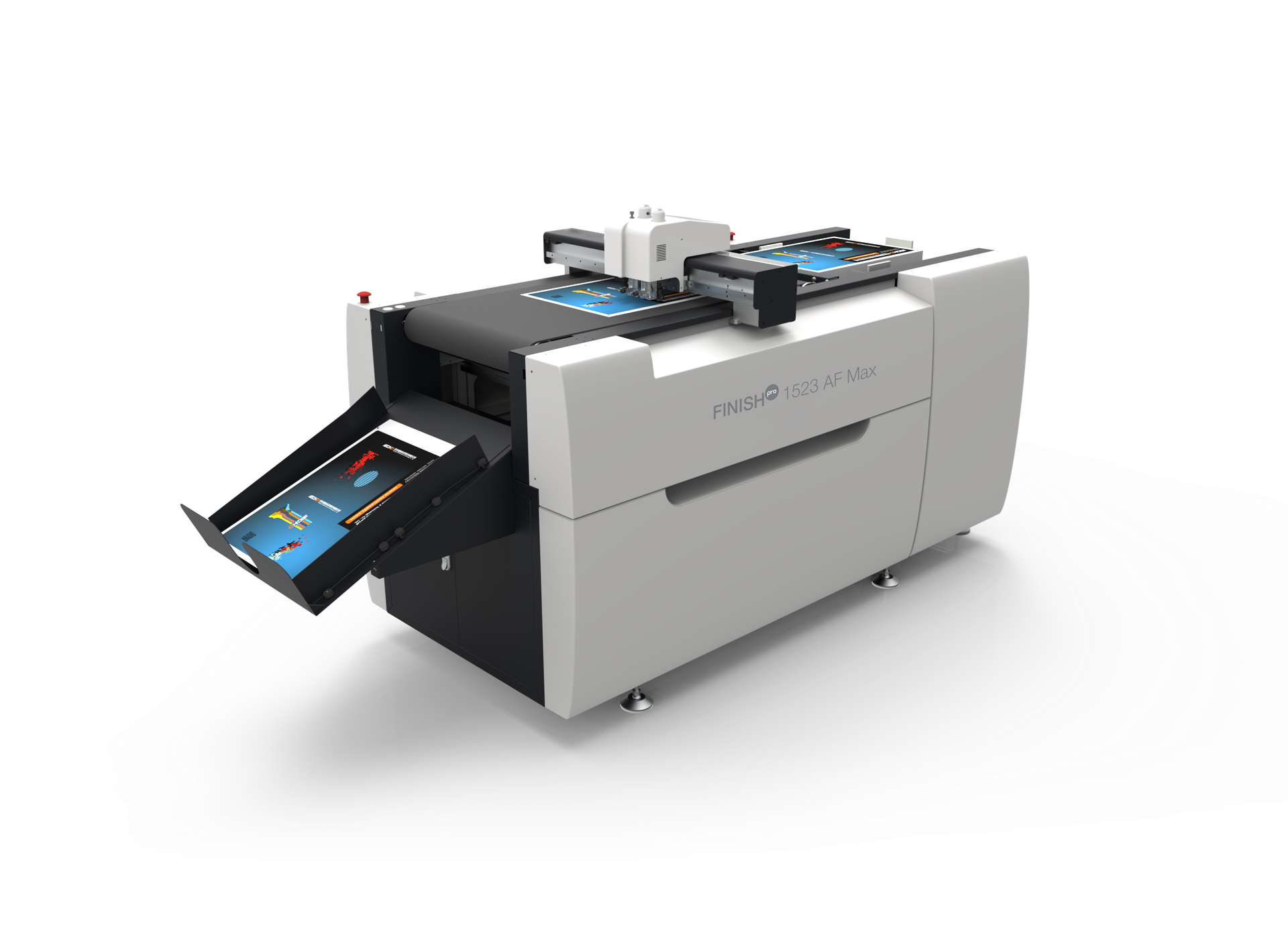
FINISHpro 1523 AF and AF 1523 AF Max
The FINISHpro 1523 AF and 1523 AF Max both provide a 15" × 23" cutting area, while the AF Max models offer greater material capacity for applications that require thicker substrates. The FINISHpro 2739 AF Max provides a larger working area for bigger applications. The right model ultimately comes down to the materials, sheet sizes, and applications your shop handles most often.
FAQs About FINISHpro
Yes. Depending on the model and tooling, FINISHpro systems can perform both cutting and creasing. This can be useful for applications such as packaging prototypes, folders, cards, and other pieces that need both cut lines and fold lines. These are among the common applications where die cutting and creasing work together.
No. FINISHpro digital die cutters use digitally programmed cutting paths rather than a traditional physical die. This die-free approach to digital die cutting allows the cutting pattern to be changed from one job to another without producing a new die for every design. This is one of the key differences between digital and conventional die cutting.
Yes, digital cutting can accommodate different cutting paths within a single sheet when the layout, material, and machine capabilities allow it. This can be useful for jobs containing multiple label sizes, shapes, or designs.
Yes. FINISHpro digital die cutters can follow different digitally defined cutting paths within the same production workflow, so you're not limited to one fixed label shape. For example, a shop could produce round, oval, rectangular, or custom-contour labels and change the cutting pattern based on the job.
Yes. Digital cutting can be particularly useful for prototypes because designs can be modified and recut without creating a new physical die. This makes it practical for testing packaging structures, custom shapes, and other printed products before committing to a larger production run. For packaging work in particular, FINISHpro can help move a project from a digital file to a physical proof without waiting for conventional tooling.
FINISHpro digital die cutters can be used for a variety of short-run applications, particularly when the work involves custom shapes, multiple designs, or frequent changes. The digital workflow allows cutting files to be adjusted between jobs without changing physical tooling.
The answer depends on the model. The AF Max models are designed for applications requiring greater material capacity, including thicker substrates. The specific thickness that can be processed depends on the machine, tooling, and material.
Digital cutting is well suited to jobs where the design or cutting pattern changes between pieces or batches. This can be useful for personalized print, variable designs, samples, and other applications where producing a new physical die for every variation would be impractical.
Start with the work rather than the machine. Consider the sheet sizes, materials, thicknesses, applications, and production volume you regularly handle. These factors can help determine whether a 1523 AF, 1523 AF Max, or larger 2739 AF Max is the better fit when choosing a commercial digital die-cutting machine.
Not necessarily. Digital and traditional die cutting serve different production needs. A traditional die can be highly effective for repeat jobs with large volumes and the same shape, while digital cutting offers more flexibility for changing designs, short runs, prototypes, and varied applications.
Final Thought
The right finishing setup can make a difference. When your equipment can adapt to the job instead of forcing the job to adapt to the equipment, small opportunities become easier to say yes to. For print providers, that flexibility can help turn a one-time label order into another service you can confidently offer.
At Skandacor, we provide digital finishing solutions for print providers across Canada, USA, Europe, and beyond. If you're evaluating a label cutting solution, our team can help you look at the machines, tooling, and applications that fit your production needs.