Choosing the best digital die cutter for your print shop isn't simply about finding the machine with the most features. The better question is: what do you actually need to cut, and where do you want your shop to go next?
How Skandacor Can Help
At Skandacor, our FINISHpro digital die cutters are designed to give print businesses more flexibility in how they approach short-run, customized, and specialty finishing.
A shop producing business cards, labels, and invitations may have very different requirements from one producing signage, packaging samples, magnetic graphics, or thicker specialty substrates. That's why having options matters.
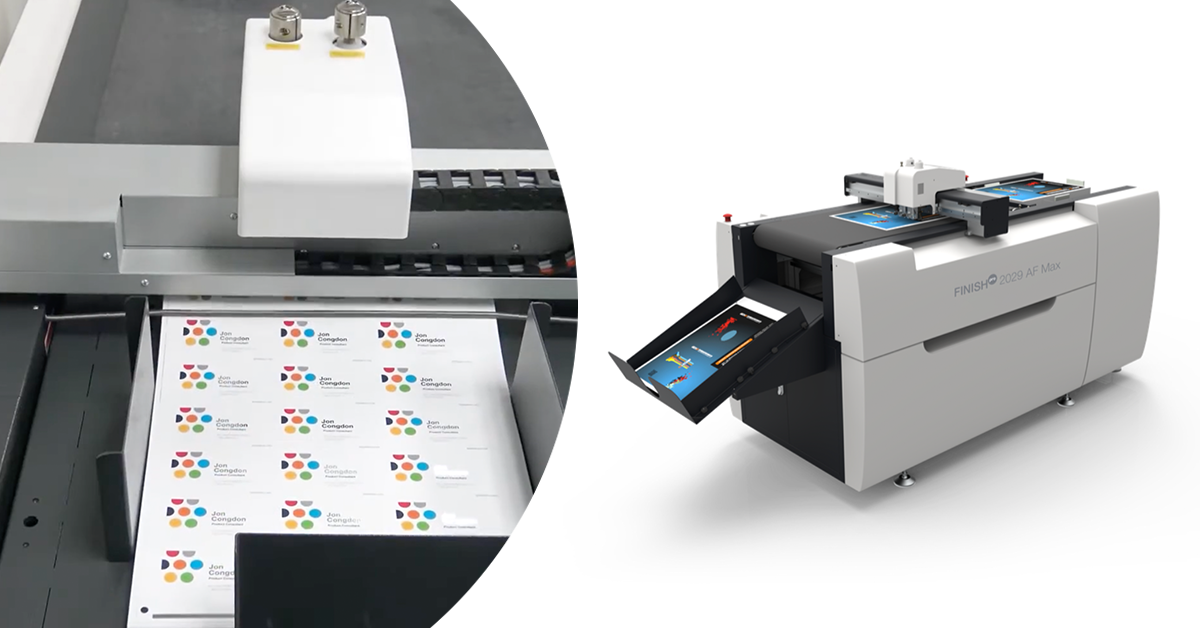
FINISHpro digital die cutters at a glance
The FINISHpro lineup is built around die-free flatbed digital cutting for the printing, packaging, and sign industries. The systems are designed for applications such as sample making, short-run production, specially shaped cards, labels, tags, packaging, signage, and more.
The biggest difference between the FINISHpro AF and AF Max series comes down to what you need to cut.
The AF series is designed around standard print and packaging materials, while the AF Max series adds an oscillating tool for thicker substrates and more specialized applications. Both provide a digital workflow that lets you change the cutting pattern from job to job without producing a new physical die.
Here's a quick comparison:
FINISHpro model | Cutting area | Best suited for | Material capability | Cutting Speed | Cutting Thickness | Standout Feature |
FINISHpro 1523 AF | 15" × 23" | Standard print, labels, cards, invitations, tags, and small packaging | Paper, sticker stock, card stock, and similar materials | Up to 1,500 mm/s | Up to 400 gsm | Compact die-free cutting with 0.1 mm cutting accuracy |
FINISHpro 2029 AF | 20" × 29" | Larger standard print and packaging applications | Paper, sticker stock, card stock, and similar materials | Up to 1,500 mm/s | Up to 400 gsm | Larger cutting area while maintaining up to 1,500 mm/s cutting speed |
FINISHpro 1523 AF Max | 15" × 23" | Short-run custom work and thicker specialty materials | Foam board, cardboard, sticker stock, magnetic sticker stock, corrugated plastic, and more | Up to 1,500 mm/s | ≤ 6 mm | Oscillating tool for thicker substrates such as foam board and corrugated materials |
FINISHpro 2029 AF Max | 20" × 29" | Larger specialty print, packaging, and custom applications | Foam board, cardboard, sticker stock, magnetic sticker stock, corrugated plastic, and more | Up to 1,500 mm/s | ≤ 6 mm | Larger-format AF Max cutting with oscillating tool capability |
FINISHpro 2739 AF Max | 39" × 28" | Signage, packaging, sample making, and short-run customized production | Foam board, cardboard, sticker stock, magnetic sticker stock, corrugated plastic, and more | Up to 1,200 mm/s | 10 mm* | Five-tool configuration for switching between different cutting and finishing needs |
FINISHpro 3547 AF Max | 47" × 35" | Larger-format signage, packaging, and short-run customized applications | Foam board, cardboard, sticker stock, magnetic sticker stock, corrugated plastic, and more | Up to 1,200 mm/s | 10 mm* | Large 47 × 35" cutting area with multiple fixed knife holders |
One important note: Before comparing cutting speeds and table sizes, start with the materials you already run and the ones you want to add.
Paper and card stock require a different level of cutting capability than foam board, magnetic stock, or corrugated plastic. Knowing your material mix can quickly narrow down which FINISHpro model makes sense for your shop.
click here to be contacted by a consultant to see which model is the best fit for you!
What makes digital die cutting different?
Traditional die cutting is well suited to repeatable, high-volume production. But not every print job looks like that.
A customer might need a small batch of custom-shaped cards. Another might want packaging samples before committing to a larger order. You may also receive requests for specialty applications that don't fit your existing finishing workflow yet.
This is where digital die cutting can provide another option.
Instead of producing a physical die for every new shape, digital die cutting allows the cutting pattern to change from one job to the next. That can make short runs, prototypes, custom shapes, and frequently changing designs easier to manage.
Digital cutting can be used for applications such as:
- Custom-shaped print pieces
- Kiss-cut pieces
- Labels and cards
- Packaging prototypes
- Signage and displays
- Magnetic graphics
- Short-run customized products
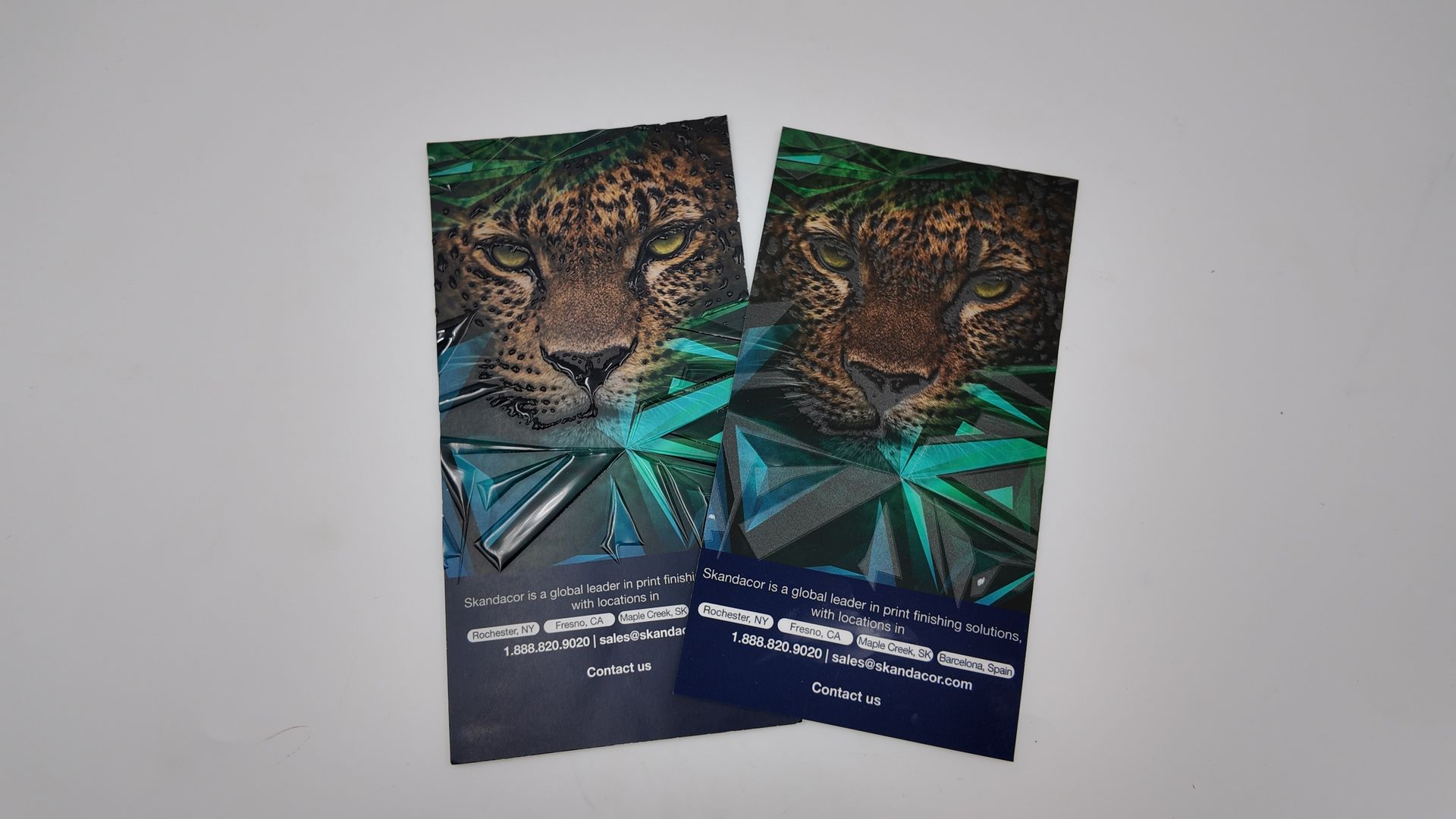
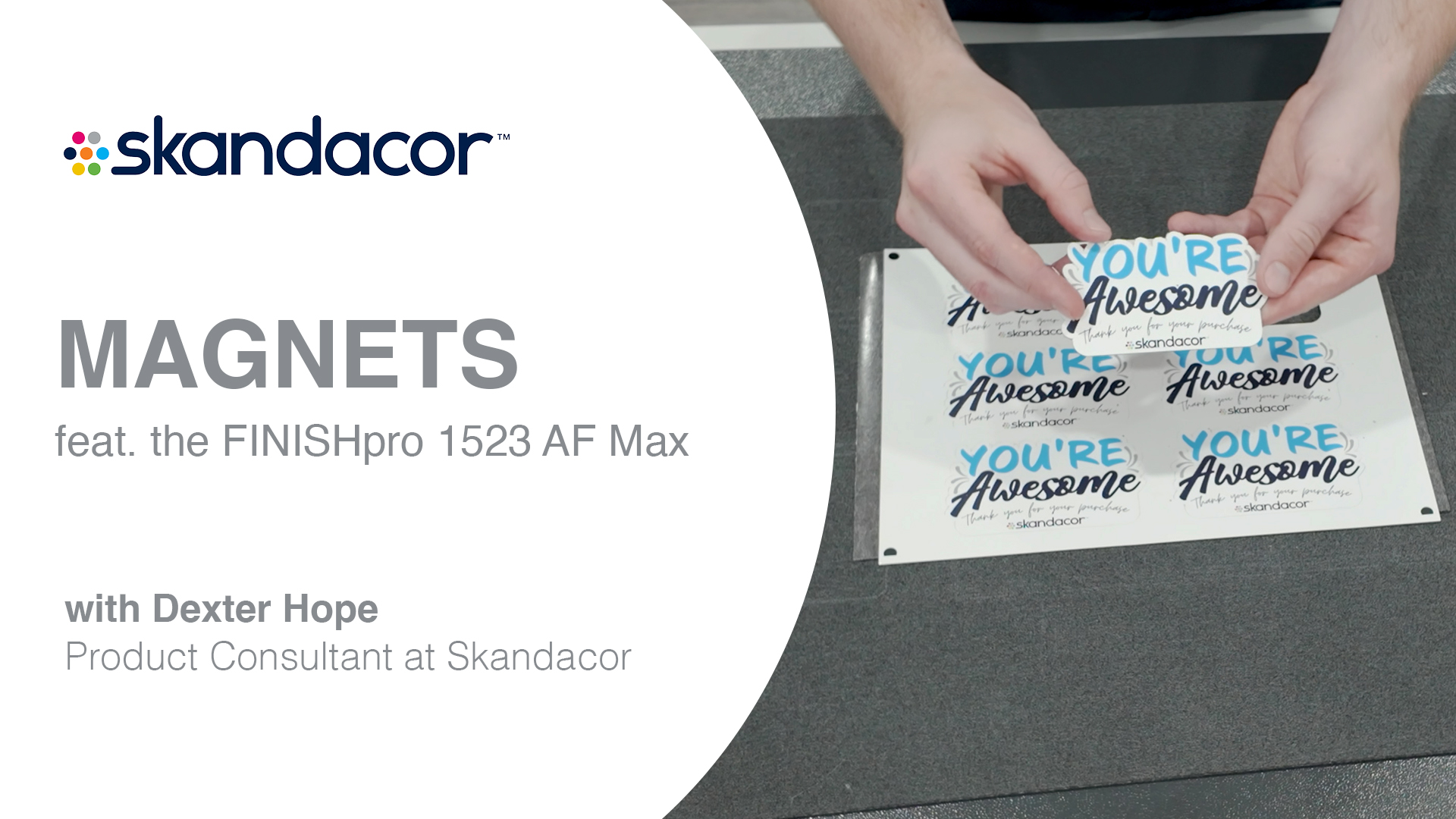
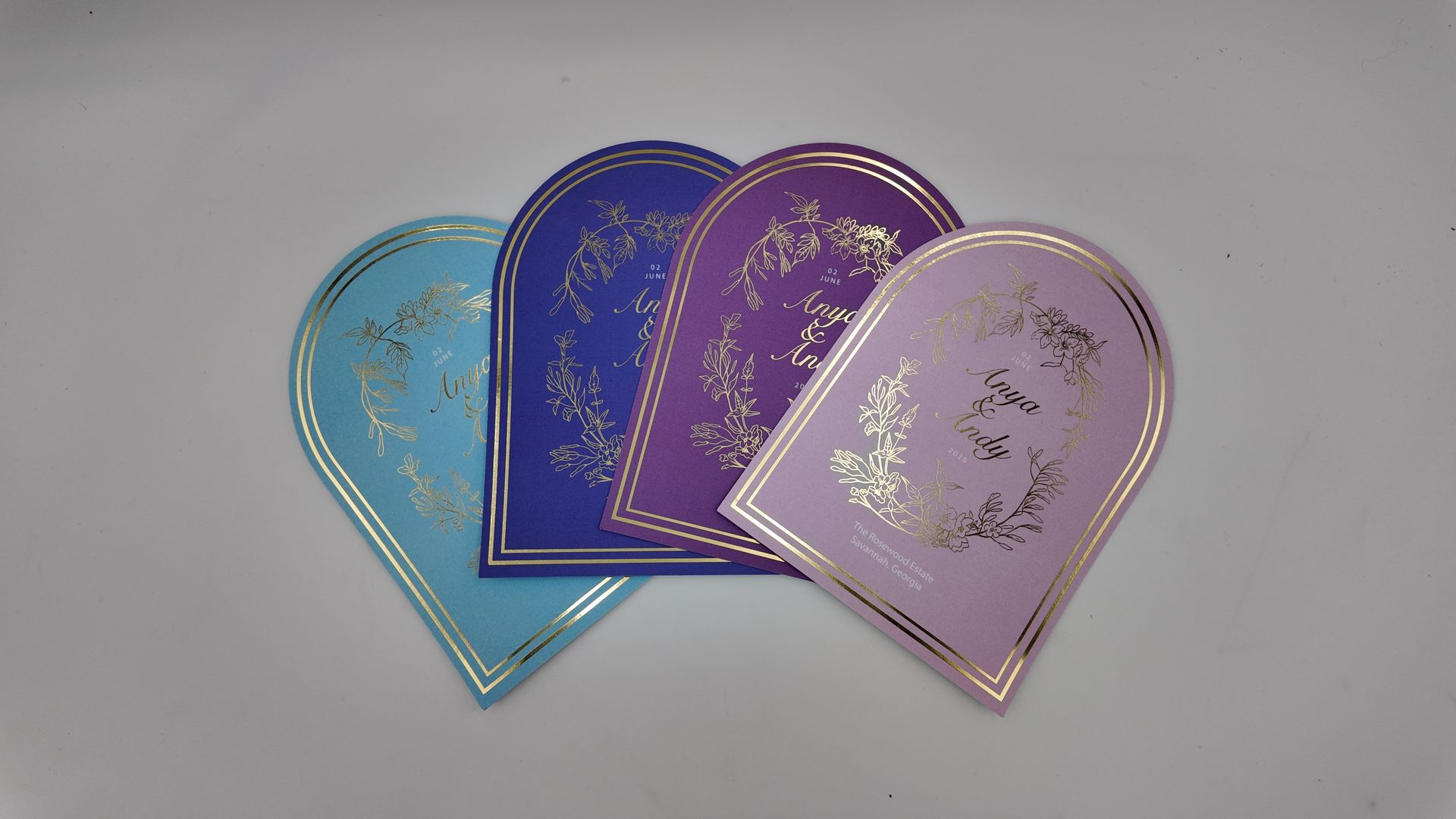
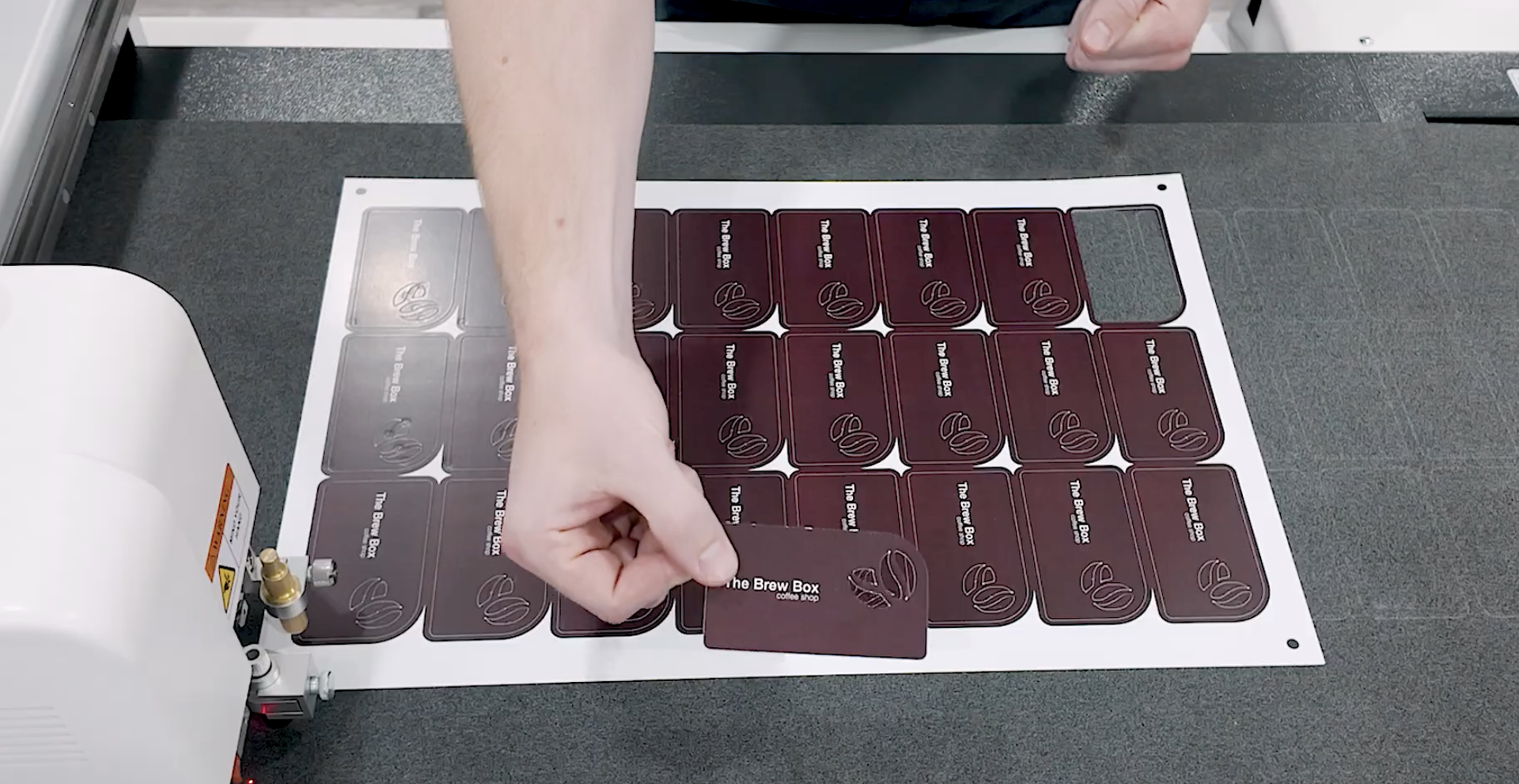
The benefit isn't simply that a machine can cut. It's that the cutting process can adapt to the job. For a print shop, that can mean fewer limitations when a customer asks for something outside the usual rectangle.
FINISHpro AF vs. AF Max: What's the difference?
One of the first decisions to make when comparing FINISHpro models is whether the standard AF series or AF Max series better suits your work.
The easiest way to think about the difference is material capability.
The FINISHpro AF models are designed for standard print and packaging applications, making them a practical choice for shops working primarily with paper, card stock, labels, and similar materials.
On the other hand, the AF Max models are designed for a broader range of applications, including thicker and specialty substrates. This makes them particularly useful for shops looking to expand beyond standard print into applications such as signage, displays, packaging, and magnetic graphics.
So, is AF Max automatically better?
Not necessarily.
Neither model is automatically the better choice. It comes down to what you need to produce.
FINISHpro AF may be a better fit if you:
- Primarily work with standard print materials
- Produce cards, labels, invitations, and tags
- Need digital cutting for print and packaging
- Don't regularly work with thick substrates
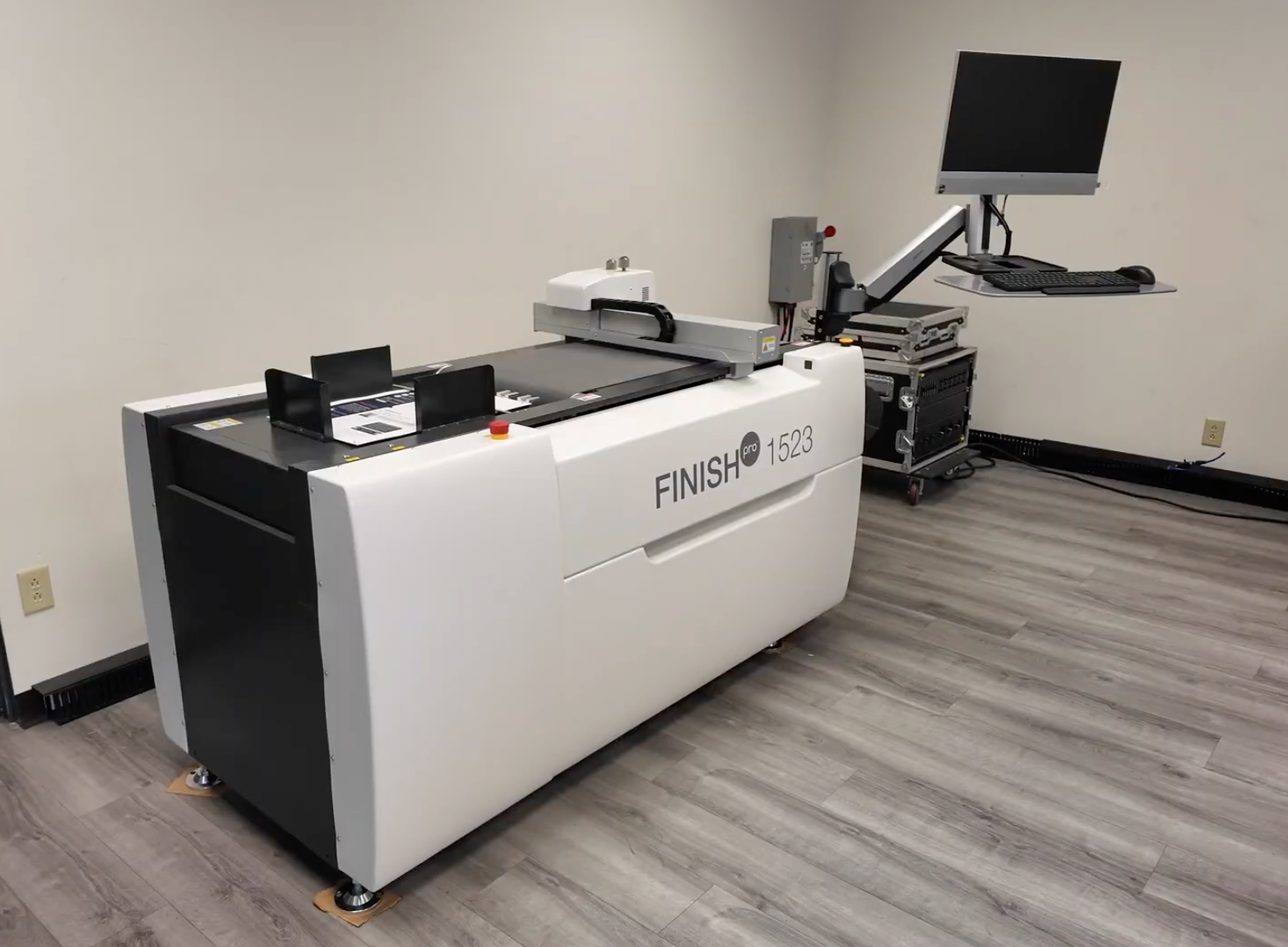
FINISHpro AF Max may be worth considering if you:
- Want to cut thicker materials
- Produce signage or displays
- Work with magnetic sticker stock
- Want to expand into specialty applications
- Need more flexibility across different substrates
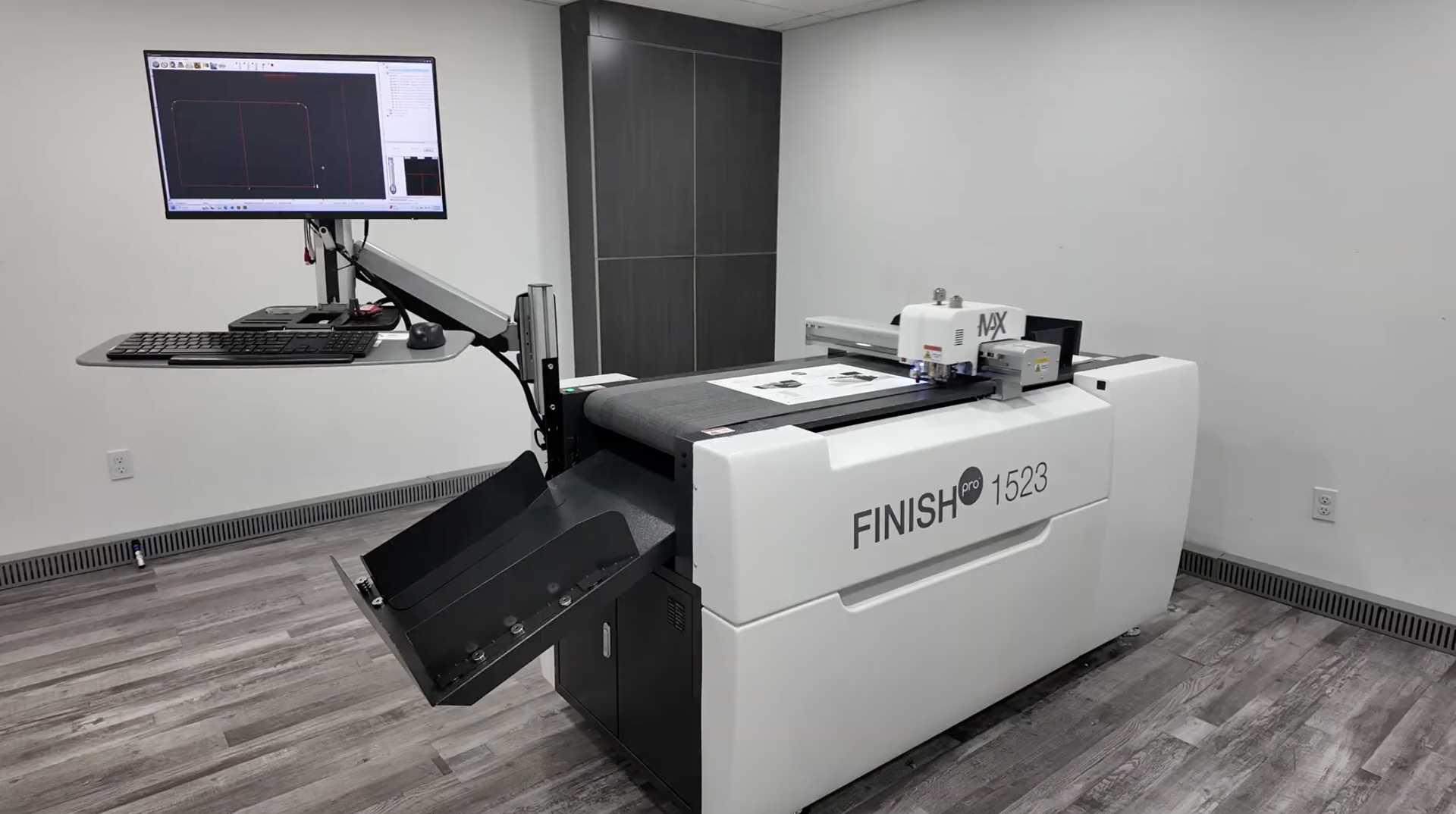
If you're still weighing the two, our guide to what sets the FINISHpro AF and AF Max apart can help.
Which FINISHpro is right for your shop?
FINISHpro 1523 AF
If most of your work involves standard print materials and you need a compact digital cutting solution, the FINISHpro 1523 AF may be a good fit. Its 15 × 23-inch cutting area is suited to applications such as business cards, invitations, labels, tags, adhesive sheets, and small packaging.
Consider this model if: you primarily work with paper, sticker stock, and card stock and want to add digital cutting without moving into larger or thicker-material applications.
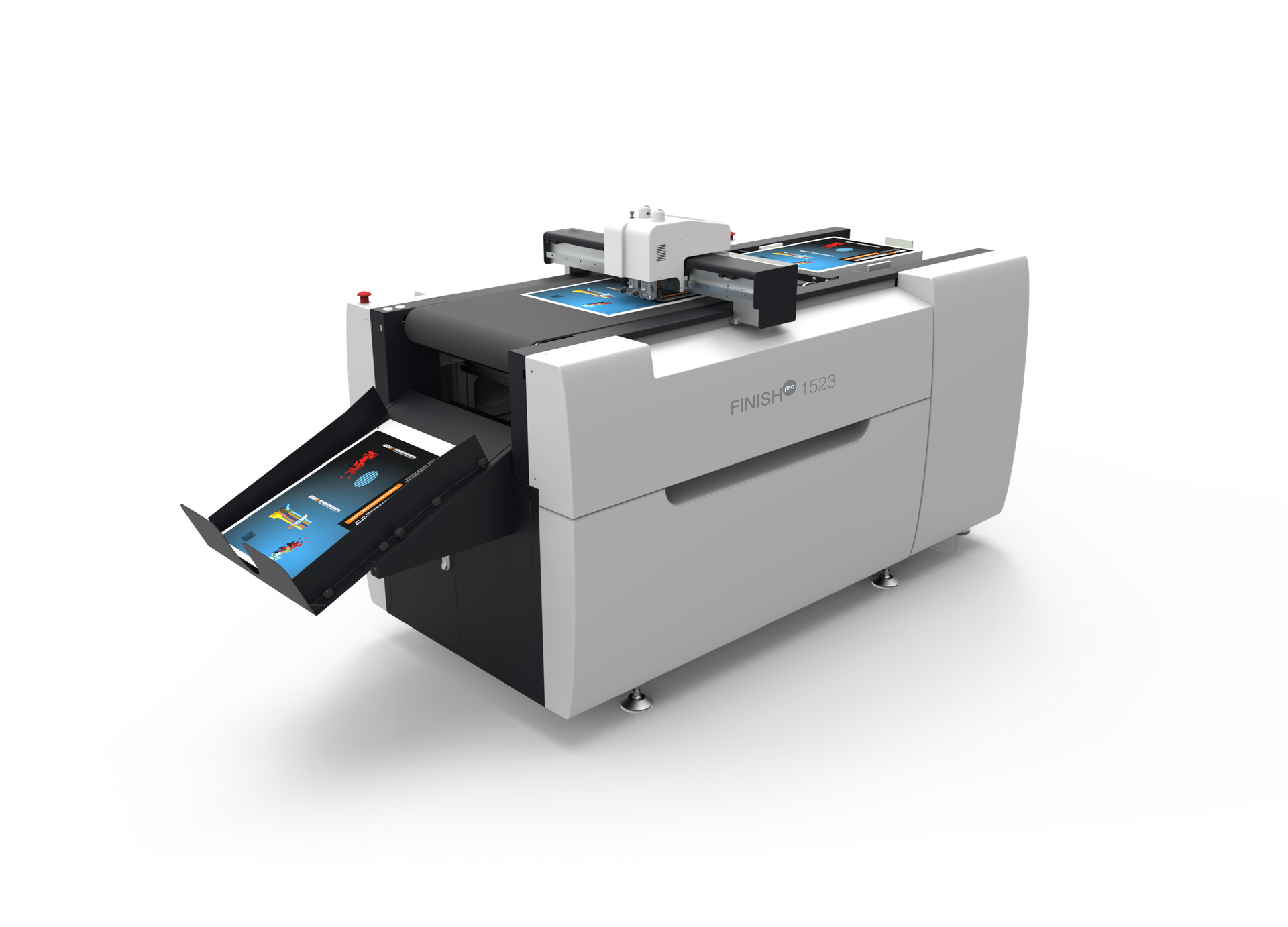
FINISHpro 1523 AF MAX
Want to go beyond standard print? The FINISHpro 1523 AF Max keeps the compact 15 × 23-inch format while giving you the ability to work with materials up to 6 mm thick.
This can open the door to applications such as specialty cards, packaging samples, signage, foam board projects, and magnetic applications.
Consider this model if: you want a smaller-footprint cutter but don't want to be limited to standard paper-based applications.
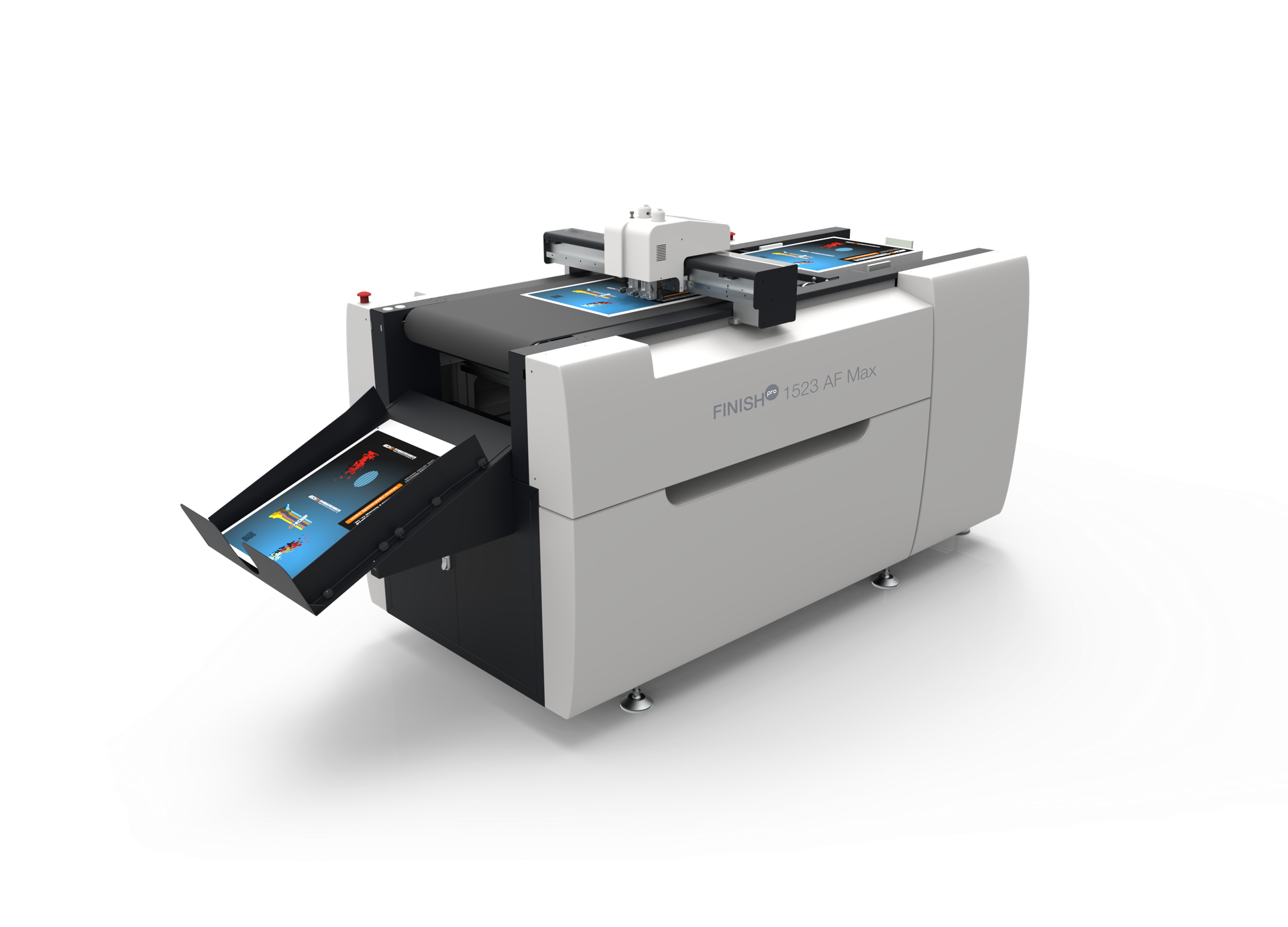
FINISHpro 2739 AF MAX
Need to take on larger custom work? The FINISHpro 2739 AF Max offers a 39 × 28-inch cutting area and can process materials including foam board, cardboard, sticker stock, magnetic sticker stock, and corrugated plastic.
Think custom signage, packaging prototypes, displays, magnetic graphics, and short-run specialty projects.
Consider this model if: you're looking to expand beyond conventional print and bring larger, customized applications in-house. Its four fixed knife holders and general-purpose tool holder also give you flexibility to switch tools depending on the job.
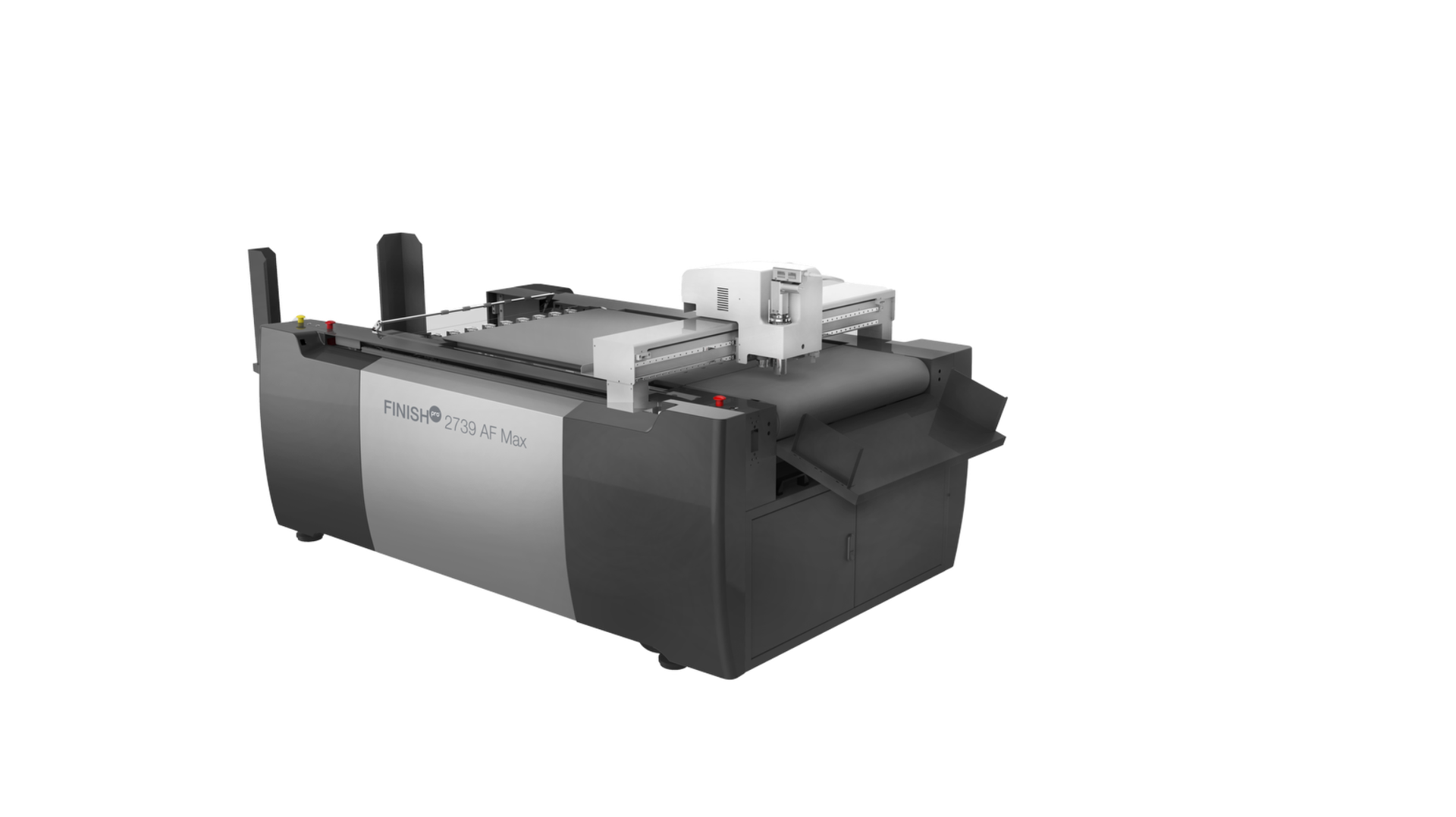
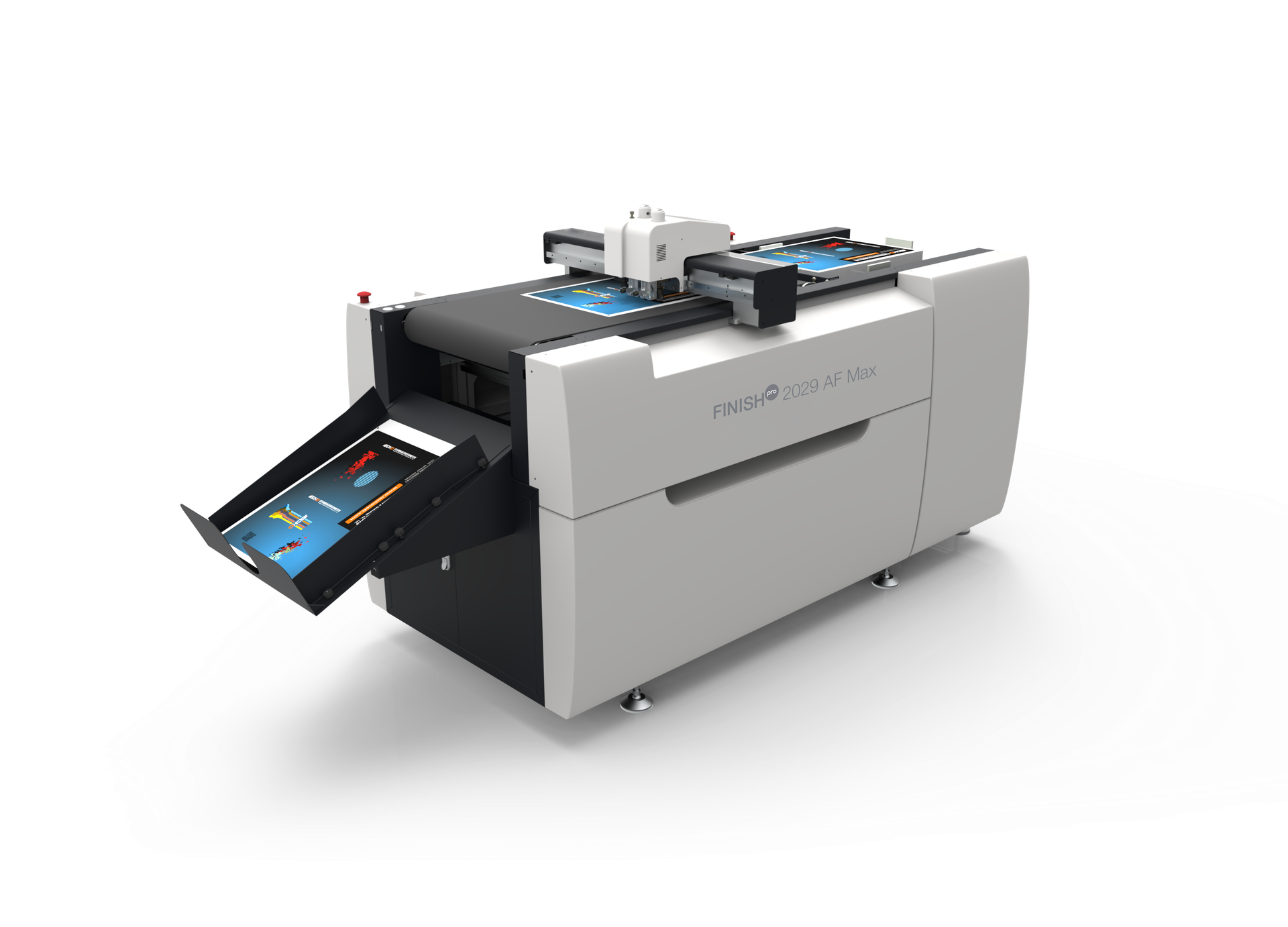
FINISHpro 2029 AF MAX
If you like the broader material capabilities of the AF Max but need more cutting space, the FINISHpro 2029 AF Max gives you a 20 × 29-inch cutting area and material capability up to 6 mm.
That combination can be useful for larger packaging samples, displays, specialty print, and customized short-run work.
Consider this model if: you want to handle thicker or specialty materials while having more room for larger jobs.
FINISHpro 3547 AF MAX
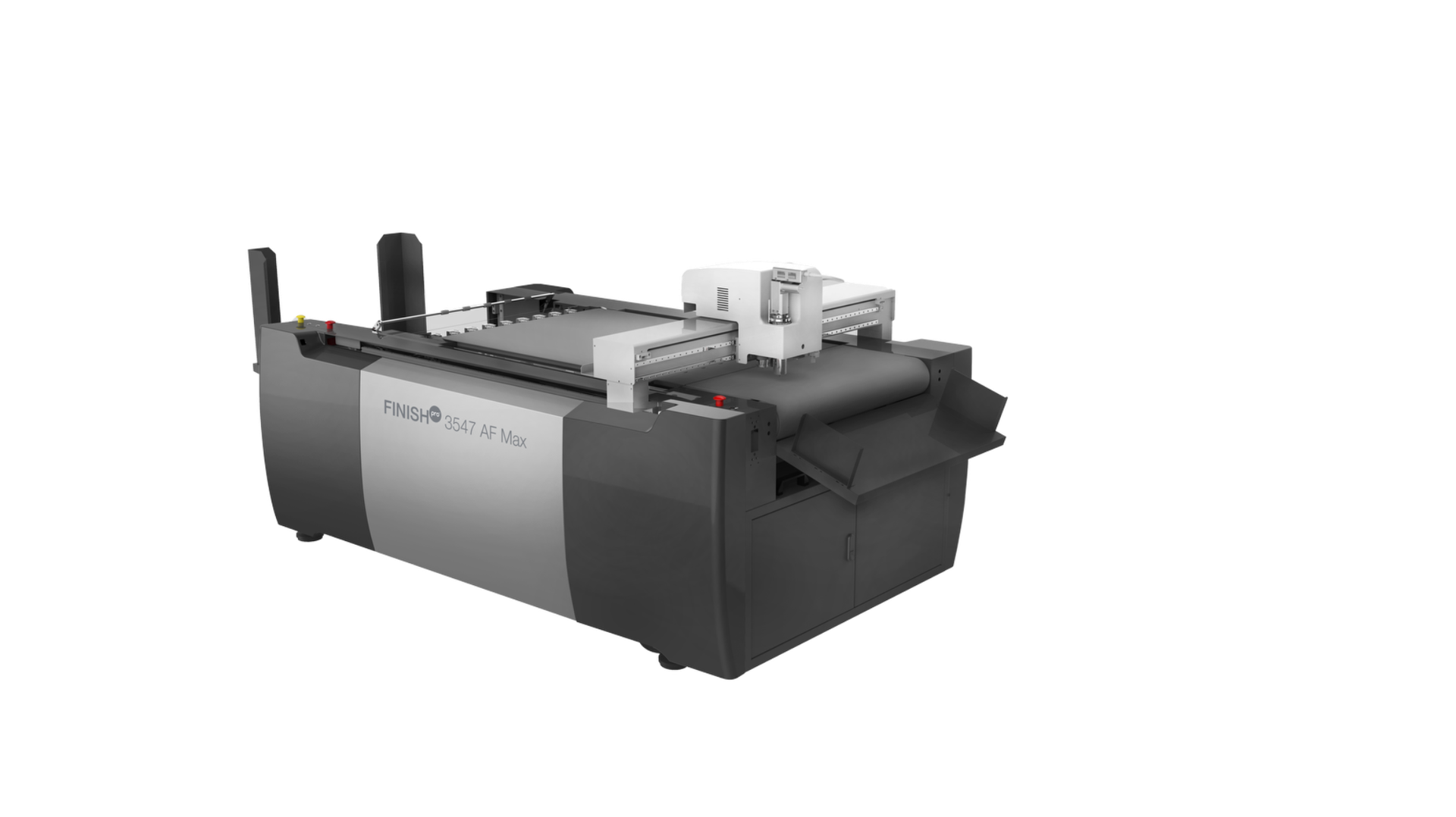
If your work regularly calls for larger sheets and applications, the FINISHpro 3547 AF Max takes the cutting area up to 47 × 35 inches while offering the same broad material range as the 2739 AF Max.
This makes it a potential fit for large-format signage, displays, packaging, magnetic graphics, and other specialty applications where a larger work area can make production more practical.
Consider this model if: large-format work is already part of your business—or you're planning to make it a bigger part of what you offer.
Start with the material, not the machine
Specifications can tell you what a machine can do, but your materials can tell you which machine you actually need.
Start by making a list of the substrates you currently use and the ones you'd like to add. This is where a digital die cutter comparison becomes more useful. Instead of asking which machine has the longest list of features, ask which one can handle the materials your customers actually request.
You can also explore the range of materials FINISHpro digital die cutters can cut.
Choosing the right equipment: A digital die cutter checklist
A comparison chart can narrow down your options, but your workflow should make the final call when choosing a professional die cutting equipment.
Before choosing a FINISHpro model, consider:
1. What Materials do you cut?
Start with the materials you already use and the ones you want to add. If your work is mainly paper and card stock, an AF model may be enough. If you're interested in foam board, magnetic stock, corrugated plastic, or other thicker materials, AF Max gives you more room.
2. What sheet size do you normally run?
There's no reason to choose a larger cutting area simply because it's available. Look at your existing print equipment and the sheet sizes your customers actually request.
3. What applications do you want to add?
Are you looking to produce more labels and cards, or are you hoping to expand into signage, packaging, displays, and specialty products? Your answer can help determine which FINISHpro makes sense.
4. How often does your work change?
Digital cutting can be particularly useful when you're producing short runs or frequently changing designs. Instead of making a new physical die for every shape, the cutting pattern can be changed digitally.
5. What am I currently outsourcing?
Review the finishing work you're sending elsewhere. Some of those jobs could potentially be brought in-house.
6. Where do you want your shop to go next?
A finishing machine is an investment in your production capabilities, not just today's jobs. Think about the applications you want to offer six months or a year from now.
7. What support is available after installation?
Equipment is only part of the investment. Training, guidance, service, and ongoing support can also affect how confidently your team adopts a new finishing process.
Final thoughts
There’s no one-size-fits-all solution when it comes to digital die cutting. The right choice depends on the materials you work with, the applications you produce, and the kind of work you want to take on next.
At Skandacor, we offer a range of FINISHpro machines in different sizes and configurations so you can choose a solution that makes sense for your production—not simply the largest machine available.
Serving print businesses across Canada, USA, Europe, and beyond.
Talk to us about your applications, materials, and production needs, and we'll help you find the FINISHpro solution that fits.