When working with professional foiling machines, even minor setup mistakes can affect the final result. Incorrect temperature settings, incompatible foil, or improper machine preparation can lead to uneven foil coverage, peeling edges, and unwanted foil transfer. Fortunately, many of these issues can be avoided with a few simple practices. Whether you're handling short specialty jobs or larger production batches, here are five practical tips that can help you improve foil consistency, minimize production issues, and get better results from your equipment.
1. Check Your Laminator's Settings Before Starting
Before running your sheets, make sure your laminator's settings are configured correctly. Even small adjustments can affect how the film moves through the rollers and how consistently your materials are processed.
If you're operating the LAMpro Cheetah S15, check these settings during your initial setup:
- Film Position: Make sure the Film Position knob is set to 0 before starting.
- Pull Roller: Check that the Pull Roller is set to PRESS.
- Film Tension: Adjust the tension according to the thickness of your laminating film. For SOFTpro 1.7 mil, minimal tension is typically required. Increase it gradually until you feel slight resistance when turning the knob.
You should also check your production speed. When manually feeding sheets, start at approximately 2 m/min. This gives you time to feed the first few sheets and check the film alignment before increasing production speed.
Starting with the recommended settings and making gradual adjustments helps establish consistent film movement before you begin production. Always refer to the Cheetah S15 operating instructions and film specifications when setting up your machine.
2. Inspect the Machine's Rollers and Feeding Path
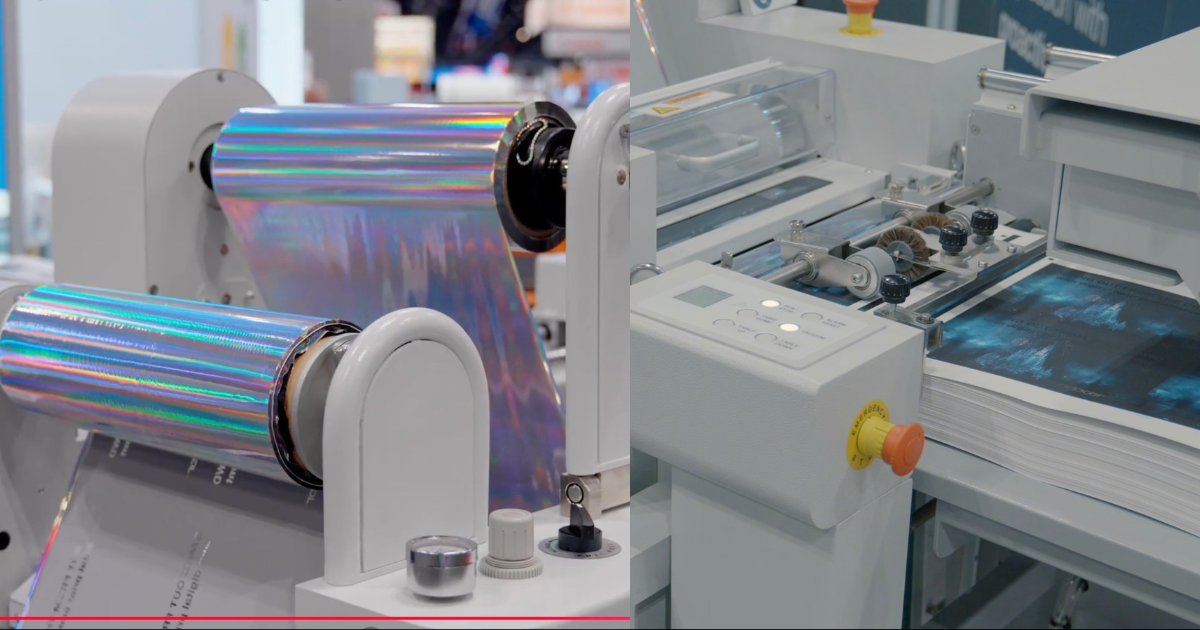
Before running a job, take a moment to inspect the machine's feeding path and accessible rollers. Dust, paper particles, and other debris can accumulate over time and interfere with the machine's operation.
Follow your machine's cleaning instructions and use only the recommended cleaning materials. Avoid cleaning internal or heated components unless the manufacturer's instructions specifically allow it.
Regular inspections help you catch buildup early and keep your equipment in good working condition.
3. Adjust the Sheet Guides to Match Your Paper Size
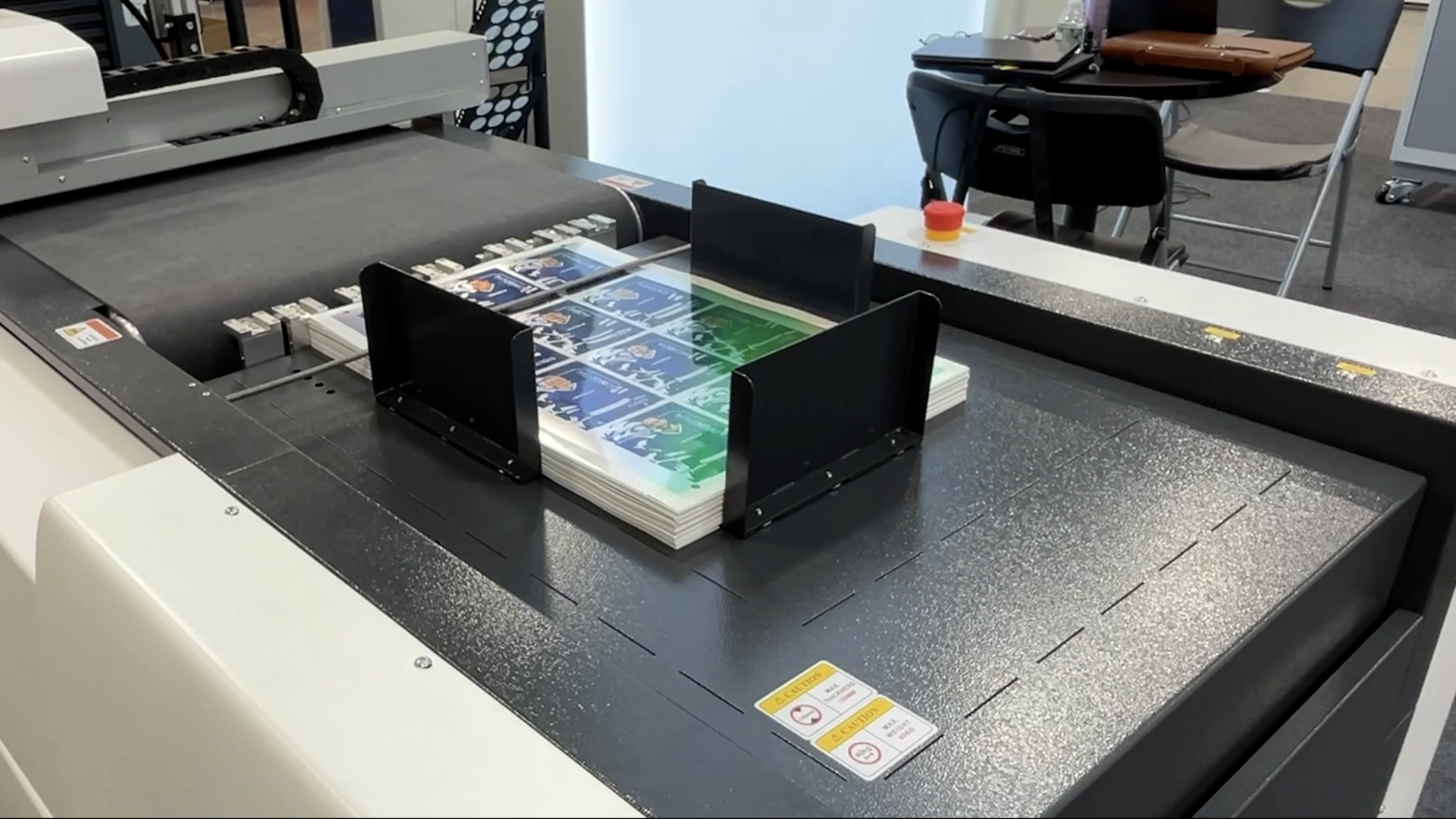
Properly positioned sheet guides help keep your materials straight as they enter the machine. Before feeding your sheets, adjust the guides to accommodate the paper size you're processing.
Make sure the sheets have enough clearance to move through the feeding path without being forced or squeezed by the guides.
This is especially important when switching between different sheet sizes. Incorrect guide positioning can cause sheets to enter at an angle, affecting the consistency of the finished application.
Take a moment to check the guide positions before starting each new job.
4. Give the Machine Enough Time to Reach Its Operating Temperature
If your finishing equipment uses heat as part of its transfer process, make sure it has reached the required operating temperature before starting production.
Starting too early can affect the consistency of the finishing process. Check the machine's temperature display and follow the manufacturer's warm-up instructions.
Different materials and finishing combinations may require different temperature settings. Rather than carrying over the settings from a previous job, check the recommended requirements for your specific application.
Allow the machine to stabilize as instructed before processing your sheets.
5. Inspect the First Few Sheets Before Continuing Production
Once production begins, take time to inspect the first few finished sheets before running the entire batch. This helps you confirm that the machine is producing the results you expect.
Look for:
- Uneven or incomplete foil transfer
- Misaligned foil application
- Wrinkles or bubbles in the laminated surface
- Inconsistent finishing across the sheet
- Unwanted foil transfer outside the intended areas
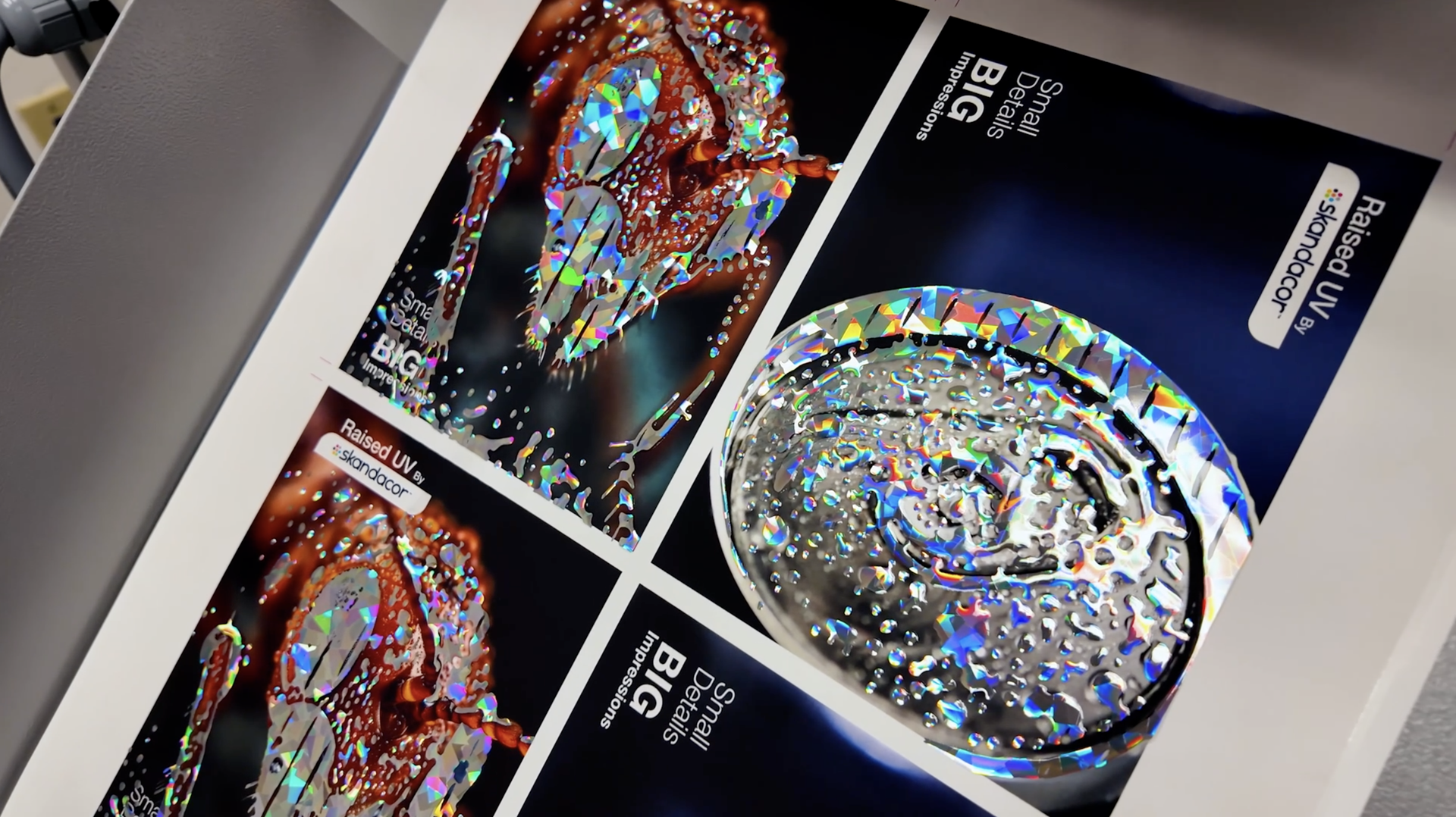
If you notice an issue, pause production and identify what may be causing it. Check the relevant machine settings, materials, and feeding conditions. Make one adjustment at a time, following the equipment's instructions, and run another sheet to evaluate the result.
Catching inconsistencies early helps you avoid processing an entire batch with the same problem.
The details you need to check can also vary depending on the type of job you're producing. Projects with fine text, intricate designs, and smaller print areas require particular attention to foil placement and alignment. Card making is one example where these details can make a noticeable difference in the finished result.
Foil Machine for Card Making
Cards are among the most common applications for foil embellishment, but getting clean results can be challenging. Business cards, invitations, and greeting cards often feature thin lines, small text, and detailed logos. These elements require accurate foil placement to preserve the details of the original design.
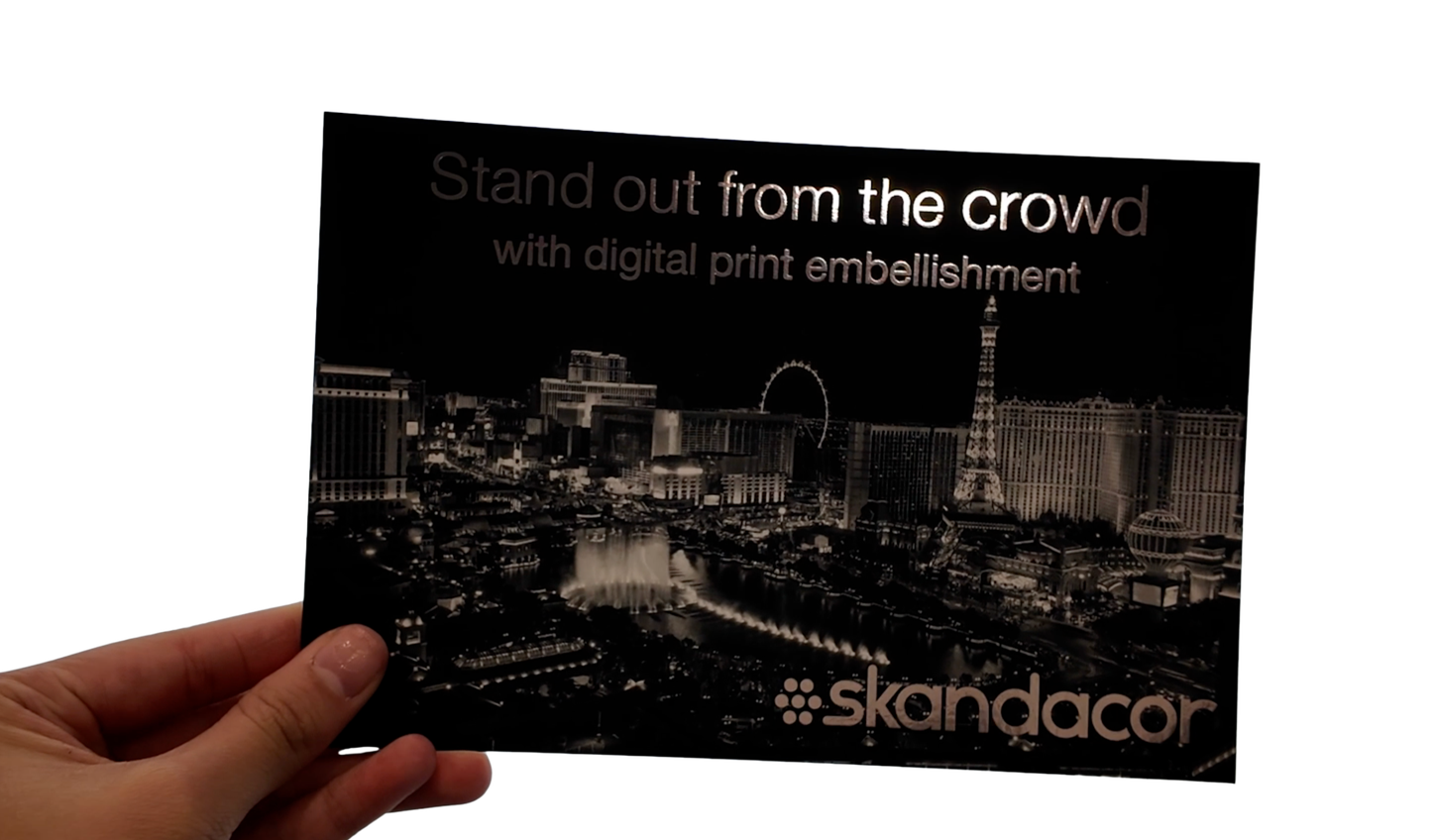
When choosing a foil machine for card making, consider how accurately it can align the foil with your printed artwork. Your choice of paper stock also matters. Different coatings and paper finishes can affect foil adhesion, so test your selected material before starting a full production run.
Some card projects may also benefit from a protective finish after foiling. A paper lamination machine can add a gloss or soft-touch finish, depending on the film you use. However, make sure the laminating film is compatible with your foil application, as not all films are suitable for use over foil.
Understanding Your Industrial Laminator and Improving Its Performance
The best laminating machines do more than protect printed materials. They can also prepare sheets for additional finishing processes, including digital foiling. A laminate paper machine, for example, applies a protective or decorative layer to printed sheets, creating more options for the final surface finish.
When combining lamination with digital foiling, the type of film you use matters. Some applications require a compatible laminate barrier to achieve the desired foil transfer. Skandacor's SOFTpro is recommended for applications that use this type of barrier, helping you incorporate lamination into your digital foiling workflow. Always check material specifications to ensure the film and foiling process are suitable for your application.
If you're exploring options for a gold foil printing machine, consider how digital foiling can complement your existing lamination process. With compatible materials and the right finishing sequence, you can combine protective or decorative finishes with metallic foil details.
Getting More From Your Lamination Equipment
Automation can also make a difference when you're handling recurring print jobs. Instead of manually feeding every sheet, an automatic laminator can help maintain a steady production flow and reduce the time spent on repetitive tasks.
LAMpro Lion 22A
The LAMpro Lion 22A combines automatic sheet feeding with several finishing capabilities, including single-sided and duplex lamination, encapsulation, and SLEEKpro digital foiling. This gives print shops the flexibility to move between different applications without relying on separate machines for every finishing requirement.
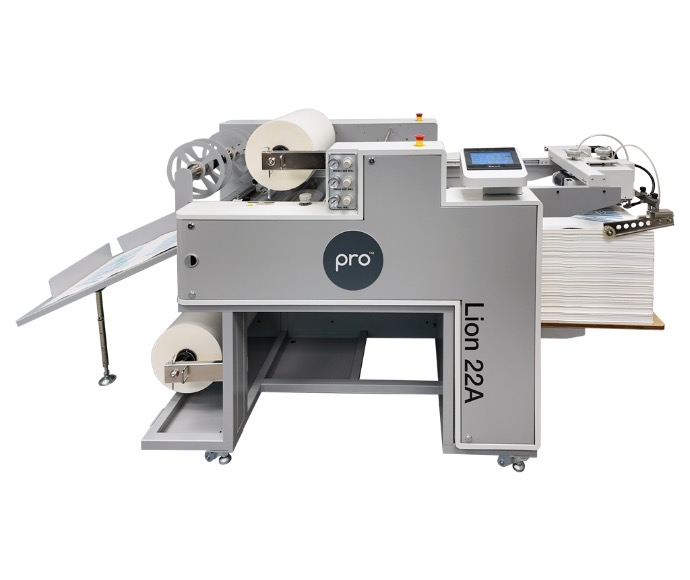
For example, menus and promotional materials can benefit from lamination for added protection, while invitations and branded print pieces can feature digital foil details to emphasize names, logos, or decorative elements. Having these capabilities available on one machine can make it easier to accommodate different customer requests.
If you're considering an automatic foil printing machine, look at how its capabilities can support the types of projects you produce. The goal isn't simply to have more features, but to use the right finishing process to deliver the quality your customers expect.
What to Consider When Investing in a Professional Laminator
A professional laminator should support the work you currently handle while accommodating your future production needs.
Before making a decision, consider:
- Sheet size: Does the machine accommodate your regular print formats?
- Material compatibility: Can it process the substrates and films you use?
- Operating requirements: Does its feeding system and level of automation suit your workflow?
- Finishing capabilities: Can it support additional applications, such as digital foiling?
- Technical support: Is knowledgeable assistance available when you need help with setup or troubleshooting?
Skandacor's LAMpro lineup offers different options for print finishing, whether you're looking to expand your embellishment capabilities or take on more specialized projects.
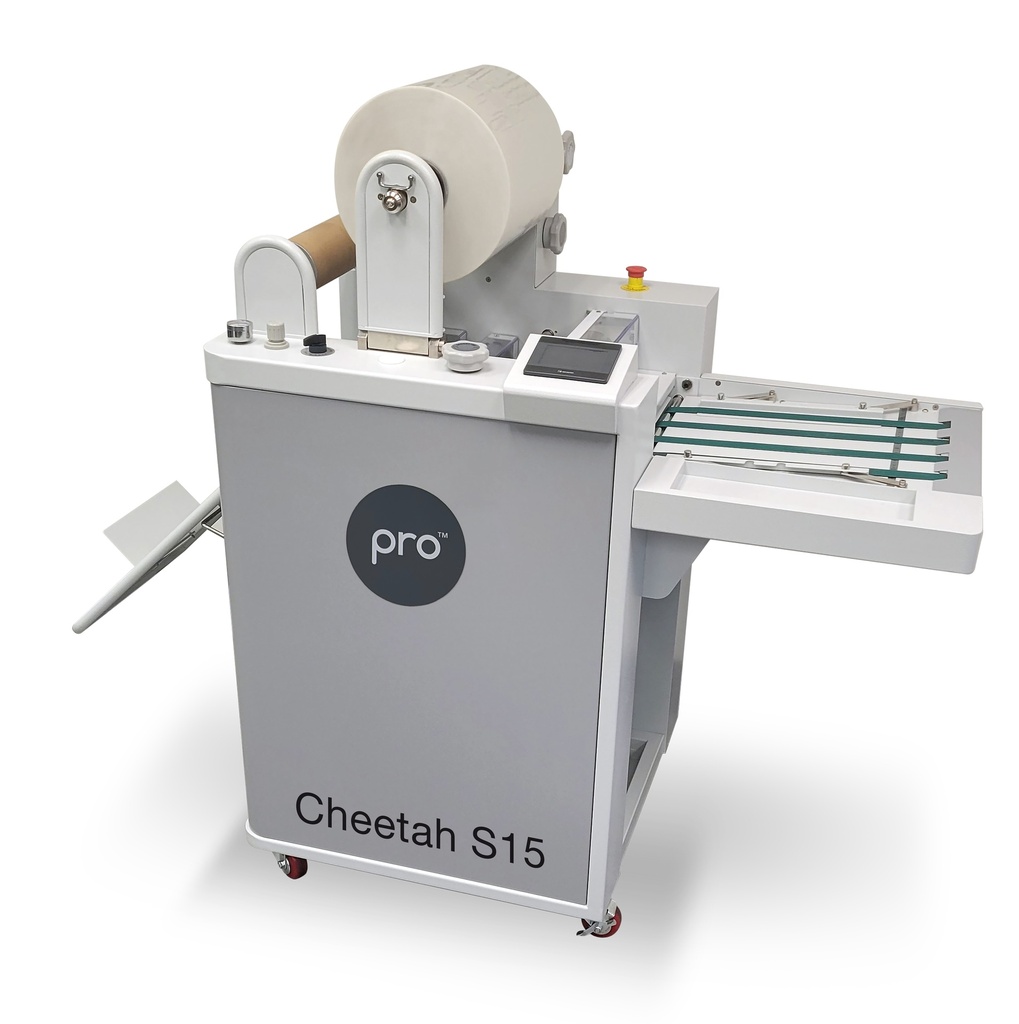
The LAMpro Cheetah S15 is a great option if you want to combine lamination with SLEEKpro digital foiling to create metallic accents on printed materials.
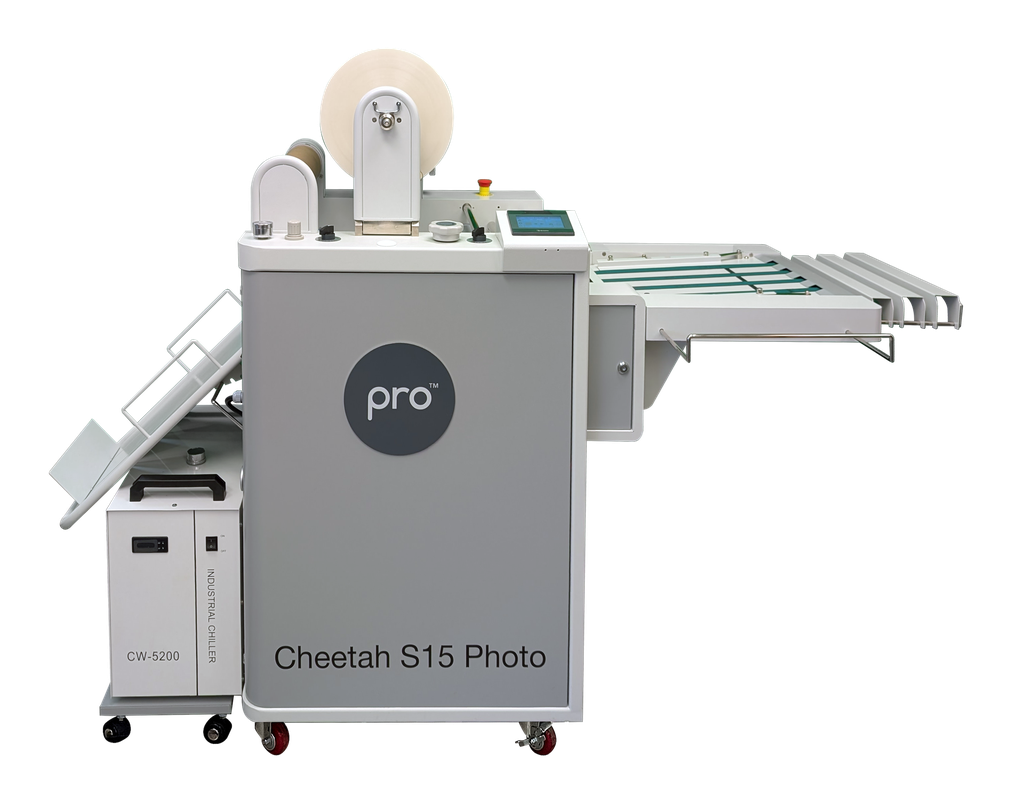
If photo finishing is a bigger part of your business, the LAMpro Cheetah S15 Photo offers PHOTOpro embossed lamination alongside SLEEKpro digital finishing.
For shops handling a wider variety of jobs, the LAMpro Lion 22A brings together single-sided and duplex lamination, encapsulation, and SLEEKpro capabilities in one machine.
With different capabilities across the lineup, you can choose equipment that aligns with the applications you want to offer and the work you want to bring in-house.
If you're deciding where to buy a laminator, start by looking at print finishing equipment suppliers that serve your area. Check whether they provide clear product specifications, installation guidance, technical support, and access to replacement parts. It's also important to find a supplier who takes the time to understand your production volume, materials, budget, and the types of finishing applications you want to offer. This way, you can choose equipment that fits your business and the needs of your customers.
Get Better Results From Your Foiling Machine
Getting better digital foiling results starts with understanding your equipment. Keeping the feeding path clean, loading foil correctly, aligning sheets, following warm-up instructions, and monitoring the first few sheets can help you maintain a more consistent production process.
You don't always need to make major changes to your setup. Sometimes, paying closer attention to how your machine is prepared and operated can make everyday production more reliable.
Skandacor supplies print finishing solutions to businesses across Canada, the USA, and Europe, with equipment designed to support a range of laminating and digital embellishment applications.
Ready to explore your options?
Browse Skandacor's laminating and digital finishing equipment or contact our team to discuss your production needs. We'll help you find the right solution for your print shop.