Starting a print shop is not simply a matter of buying a printer and finding space for it. The equipment you choose affects the products you can offer, the materials you can work with, the volume you can handle, and the types of customers you can serve. This print shop equipment list provides a practical starting point for understanding the equipment categories involved in a print production workflow.
Equipment for printing shop: building the production workflow
The right equipment for printing shop operations is not just a collection of individual machines. Each piece should have a clear role in moving a job from the initial file to the finished product. Thinking about the production process as a connected workflow can help you understand where equipment is needed and where one process leads into the next.
A typical job may begin with file preparation and printing, followed by trimming, laminating, folding, creasing, die cutting, binding, or another finishing process. Not every job will require every step, but understanding these stages can help you determine which capabilities are important for the products you plan to offer.
For example, a basic business card may only require printing and trimming, while a laminated, custom-shaped card could require printing, laminating, and digital die cutting. A brochure may move through printing, trimming, creasing, and folding before it is ready for delivery.
The important point is that these machines work together. A printer may produce the image, but finishing equipment determines how that printed sheet becomes the final product. Planning the workflow around the applications you want to produce can help prevent unnecessary equipment purchases while leaving room to expand later.
Match your equipment to your applications
Once you have a clear idea of what you want to produce, a printing equipment list can help you map each product to the equipment and production steps it requires. Start with the products your customers are most likely to order, then work backward through the steps required to produce them.
For example, producing business cards may require printing, trimming, and potentially laminating or die cutting. Brochures may require printing, folding, and creasing. Labels and stickers can involve printing, laminating, contour cutting, and separating finished pieces. Specialty products may require additional finishing capabilities.
Mapping out these production steps also helps you prioritize your initial investment. Some equipment will be essential to producing your core products, while other capabilities can be added as demand grows.
What to Consider Before Buying Equipment
Knowing what you want to produce is only one part of planning your printing business. The equipment itself also needs to fit the realities of your production space and day-to-day operation.
Consider the available floor space, electrical requirements, material storage, operator requirements, maintenance needs, and the amount of automation your team can realistically manage. Equipment specifications such as sheet size, substrate thickness, production speed, and feeding capacity can also affect how well a machine fits your planned workflow.
It is also worth considering what happens around the machine. Operators need enough room to load and unload materials, finished products need somewhere to go, and frequently used supplies should be accessible without disrupting production.
Thinking about these practical details before purchasing can help prevent a machine from becoming difficult to operate simply because the surrounding setup was overlooked.
Equipment checklist for starting a print shop
A practical starting setup should cover more than the printer itself. Think about what you need to prepare, print, finish, and deliver each job. Your exact setup will depend on the applications you plan to offer.
Core equipment may include:
☑ Computer and design software — for preparing artwork, layouts, and production files.
☑ Digital or production printer — the primary equipment for putting designs onto paper or other substrates.
☑ Paper cutter or trimmer — for accurate straight cuts and final sizing.
☑ Material handling and storage — for organizing paper, substrates, printed sheets, and finished products.
☑ Worktables and finishing space — for loading materials, inspecting finished pieces, sorting jobs, and preparing orders.
☑ Packaging and shipping supplies — for protecting completed products during storage, pickup, or shipment.
You may also need
Depending on the products you plan to offer, you may also need:
☑ Laminator — for protecting printed pieces, adding durability, or creating a finished appearance.
☑ Digital die cutter — for custom shapes, contour cutting, kiss cutting, creasing, and specialty applications
☑ Folding and creasing equipment — for brochures, cards, presentation pieces, and other folded products.
☑ Binding or booklet-making equipment — for booklets, reports, catalogs, and bound documents.
You may not need every capability when you first open your doors. Start with the equipment required for your core products, then expand as customer demand and production requirements become clearer.
Consider your customer base
Choosing a printing machine for small business operations can also be a decision about the customers you want to attract. The equipment you invest in can influence which jobs you can accept, how you position your services, and whether you can respond to requests outside of basic document printing.
For example, a new print provider serving local businesses may find opportunities in business cards, brochures, menus, flyers, presentation materials, and promotional pieces. A shop targeting creative businesses or event customers may see demand for invitations, specialty cards, labels, stickers, and customized print products.
Your initial equipment does not have to define your business permanently. As you learn more about your market, you can add capabilities based on the products your customers actually request. Starting with a clear picture of your target customers can therefore help you make more purposeful equipment decisions from the beginning.
Plan before you purchase
Creating a print shop equipment list PDF can help you organize potential purchases, compare equipment, and keep track of your planned investment. Rather than treating the list as a fixed shopping checklist, use it to compare the options that make sense for your business and determine which purchases need to happen first.
Once you have identified the equipment you may need, compare each option based on more than its purchase price. Consider operating costs, maintenance requirements, expected workload, available support, and how well the equipment can accommodate the substrates, formats, and applications you plan to offer.
It is also worth considering how each purchase affects the rest of your production setup. A machine may offer useful capabilities, but if it requires significant additional equipment, space, or labor to operate, the overall investment may be greater than it initially appears. Looking at the full cost and workflow impact can help you make more informed purchasing decisions.
New vs. Used Print Shop Equipment
Starting a print shop does not necessarily mean purchasing every piece of equipment new. Depending on your budget, production requirements, and expected workload, used or refurbished equipment may be worth considering.
Used equipment can sometimes allow a business to add more production capability within its initial budget. However, purchase price should not be the only consideration. Look at the machine's condition, service history, available technical support, replacement parts, and whether the equipment can reliably handle the applications you plan to produce.
For both new and used equipment, the better question is not simply, “What does this machine cost?” but, “How well does this machine fit the work we expect to produce?”
Why digital die cutting belongs on the list
Printing and finishing equipment serve different purposes on the production floor. A printer puts the artwork onto the substrate, while a digital die cutter handles digitally defined cutting and creasing after printing.
That distinction becomes important when a print shop begins producing applications that go beyond standard rectangular products. A paper cutter can handle straight trimming, but it is not designed to follow the varied cut paths required for shaped pieces, contour-cut graphics, or packaging prototypes.
A FINISHpro digital die cutter, for example, can support applications involving cutting and creasing, depending on the specific system and production requirements.
Potential applications include:
- Custom-shaped business cards
- Stickers and labels
- Promotional pieces
- Packaging prototypes
- Point-of-sale materials
- Short-run specialty products

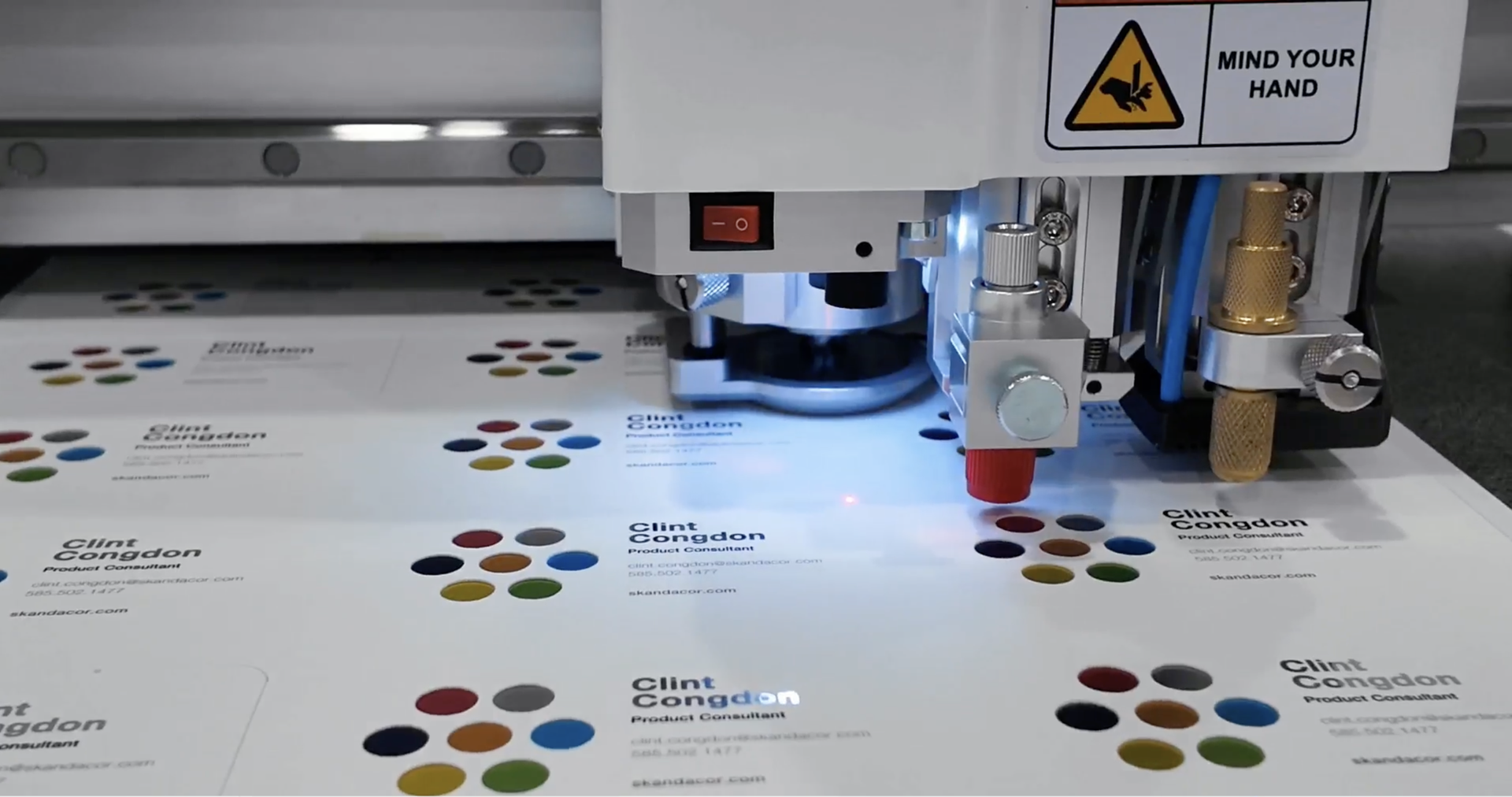

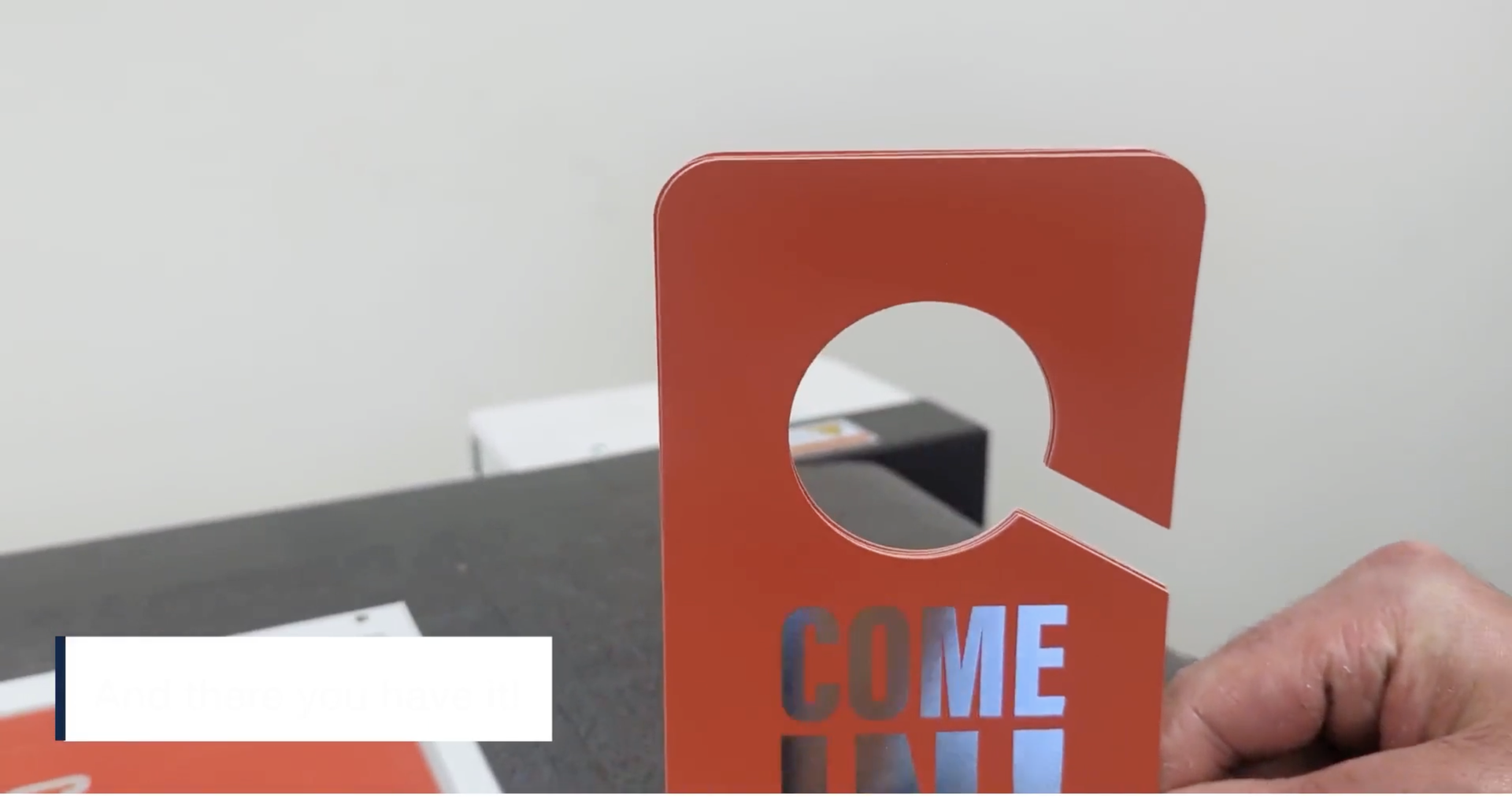

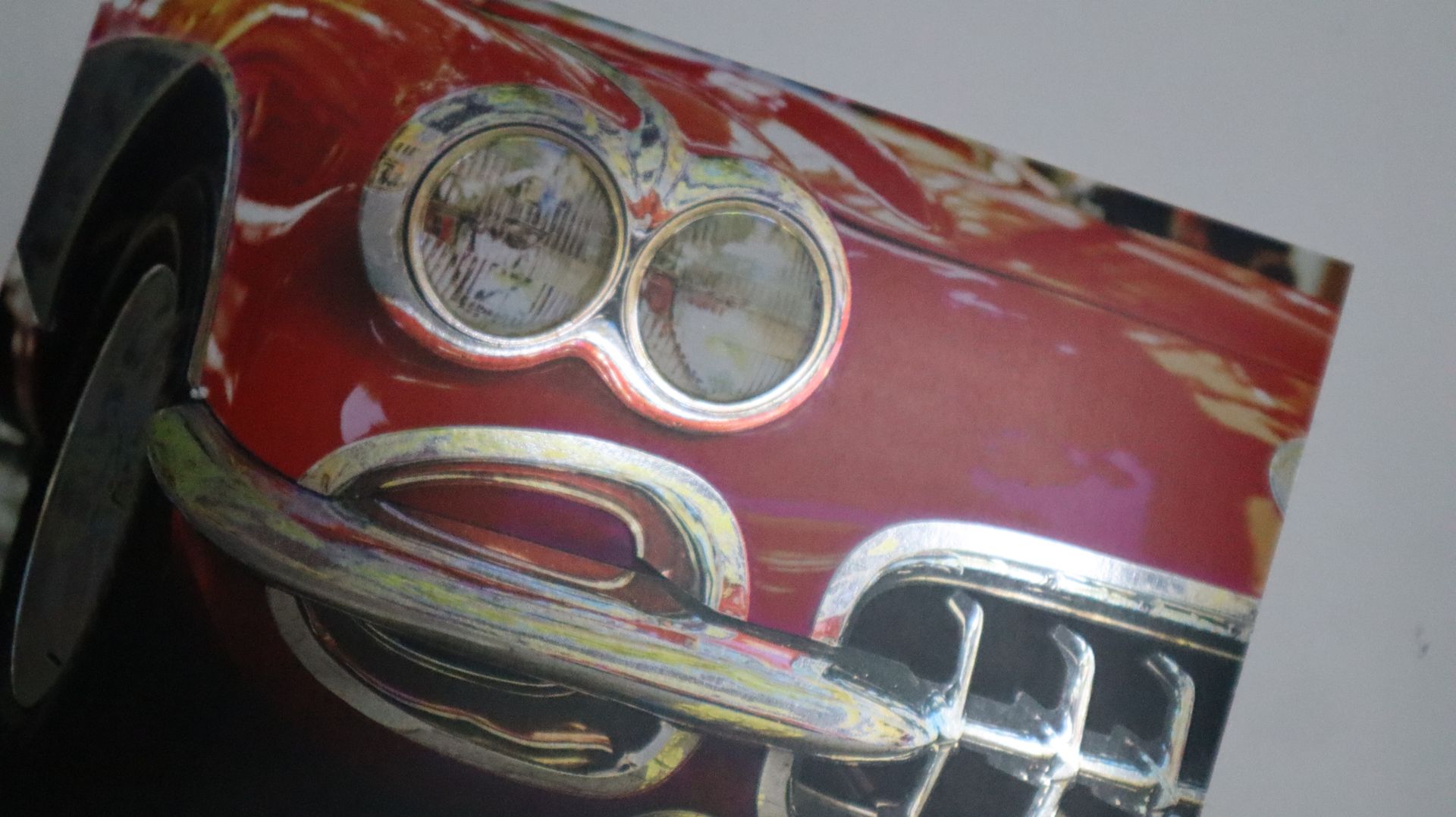
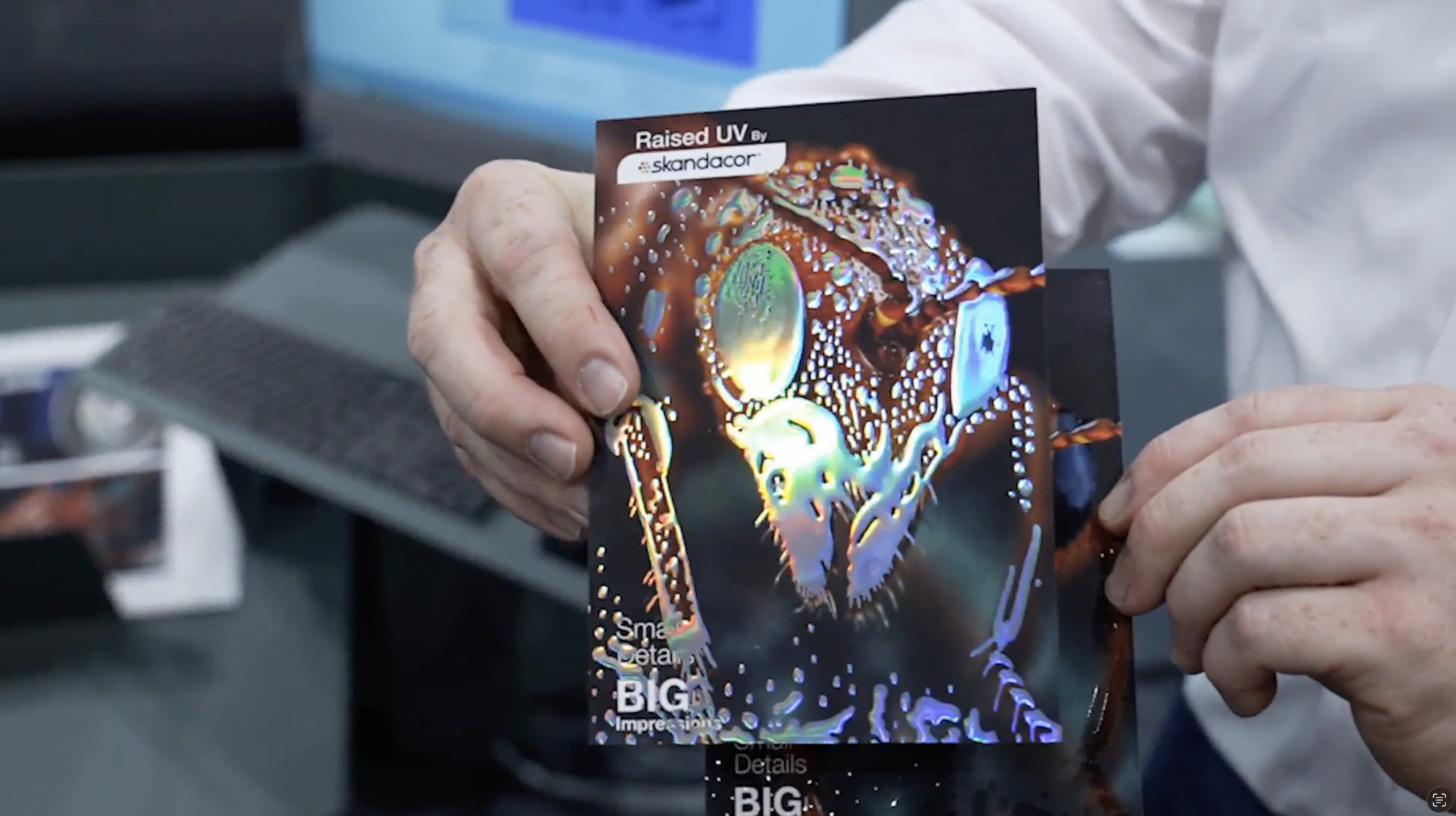

Consider a customer who needs 100 prototypes for a new package design. Creating physical tooling for a small quantity may not make sense. A digital workflow can provide a more flexible way to produce the required shape while allowing the design to change from one job to another.
That flexibility can become especially useful for print providers handling short runs, prototypes, customized products, and jobs with frequently changing designs.
Final Thought
The most useful equipment list is one built around your actual production model—not someone else's. Starting a print business is not about having the largest equipment lineup from day one. It is about making deliberate choices that support the work you want to produce now while leaving room to expand as your customers and capabilities grow.
Start with the applications you want to offer, identify the production steps required to create them, and build your equipment plan around that workflow. When evaluating equipment, look at how each machine connects to the steps before and after it. A well-planned setup can reduce unnecessary handling, make production easier to manage, and give operators a clearer path from printed sheet to finished product.
For print providers in Canada, USA, and Europe, Skandacor offers finishing equipment designed to support different stages of production. The FINISHpro lineup is part of that broader approach, helping print shops explore digital die cutting alongside other finishing technologies.