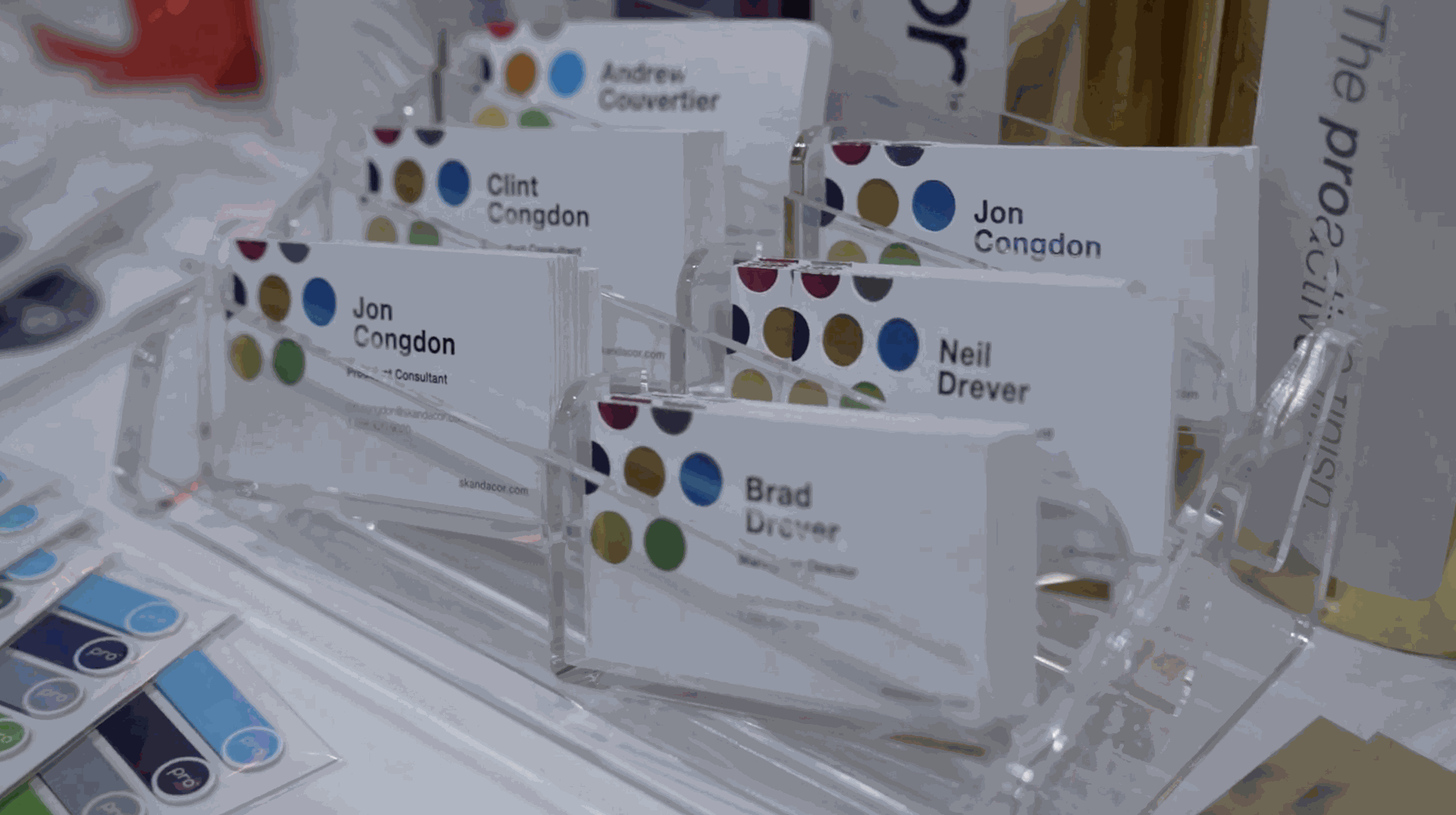
A business card doesn’t have to look like every other card in a customer’s wallet. While the standard rectangle remains the most common format, businesses are increasingly looking for ways to make printed materials reflect their brand. A business card die cutter gives print providers the ability to create custom edges, unusual shapes, and specialty designs that go beyond what a standard paper cutter can produce.
In this article, we’ll look at how digital die cutting works for custom business cards, the design possibilities it can support, and how this capability can fit into a broader finishing workflow.
When a Business Card Becomes Part of the Brand
A business card is often one of the first physical pieces of marketing a customer hands to someone else. That makes the format itself an opportunity for branding.
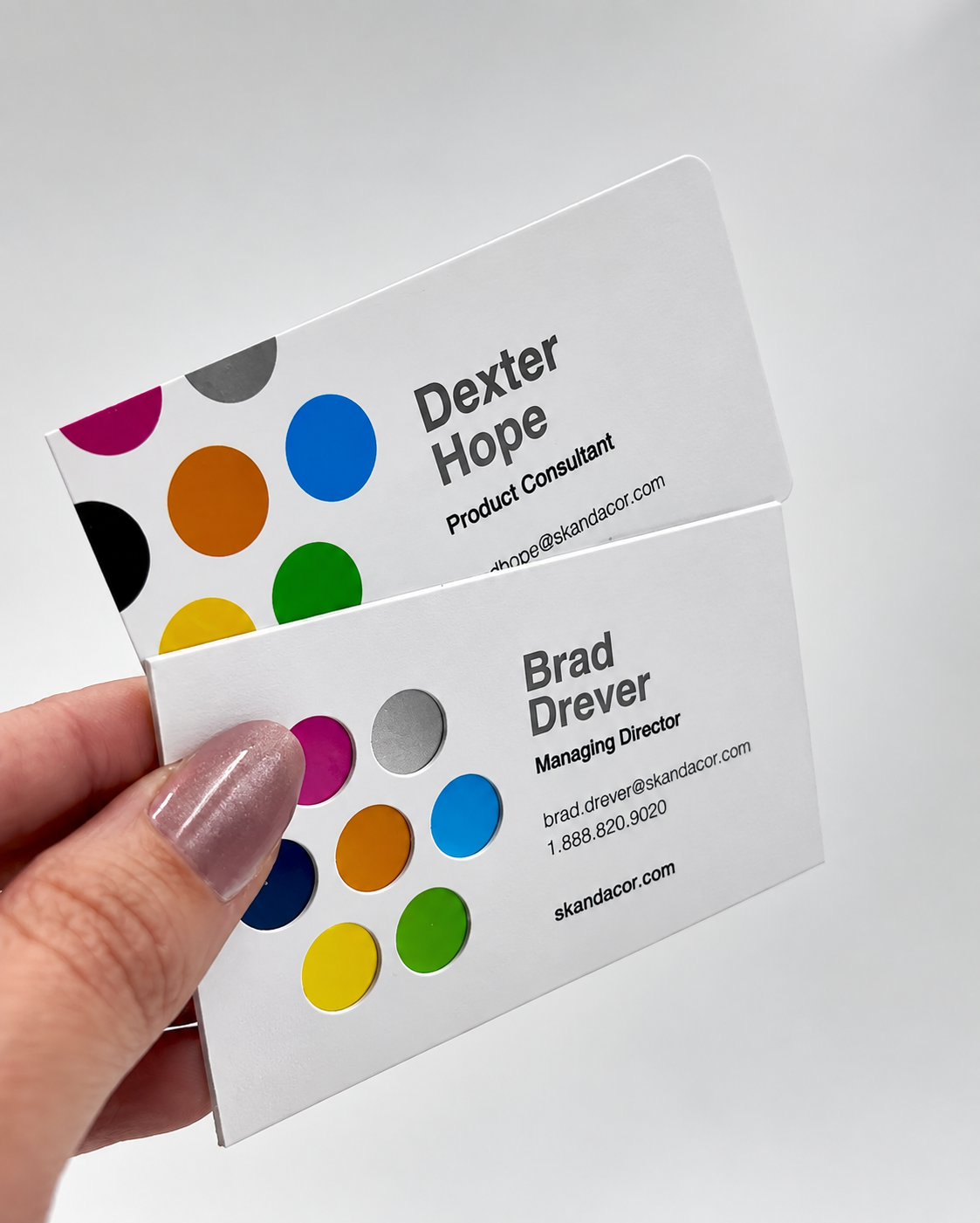
A photographer might want a card shaped around a camera. A restaurant could incorporate a distinctive curve inspired by its logo. A landscaping company might use an organic shape, while a creative agency could choose an unconventional geometric outline.
These designs don’t necessarily require complicated finishing. Sometimes, changing the outer edge or adding a small design detail is enough to make the card feel completely different. A digital cutter gives print providers the flexibility expected from a shaped business card machine, without limiting production to one fixed shape.
With digital cutting, the physical card can follow the design rather than being limited to a standard rectangular format.
From Standard Cards to Custom Designs
The difference between conventional trimming and die cutting becomes especially noticeable when the shape of the finished product matters.
A guillotine cutter is designed to make straight cuts across a sheet. That’s ideal for standard business cards, but it can’t easily create curved outlines, cutouts, or more complex designs.
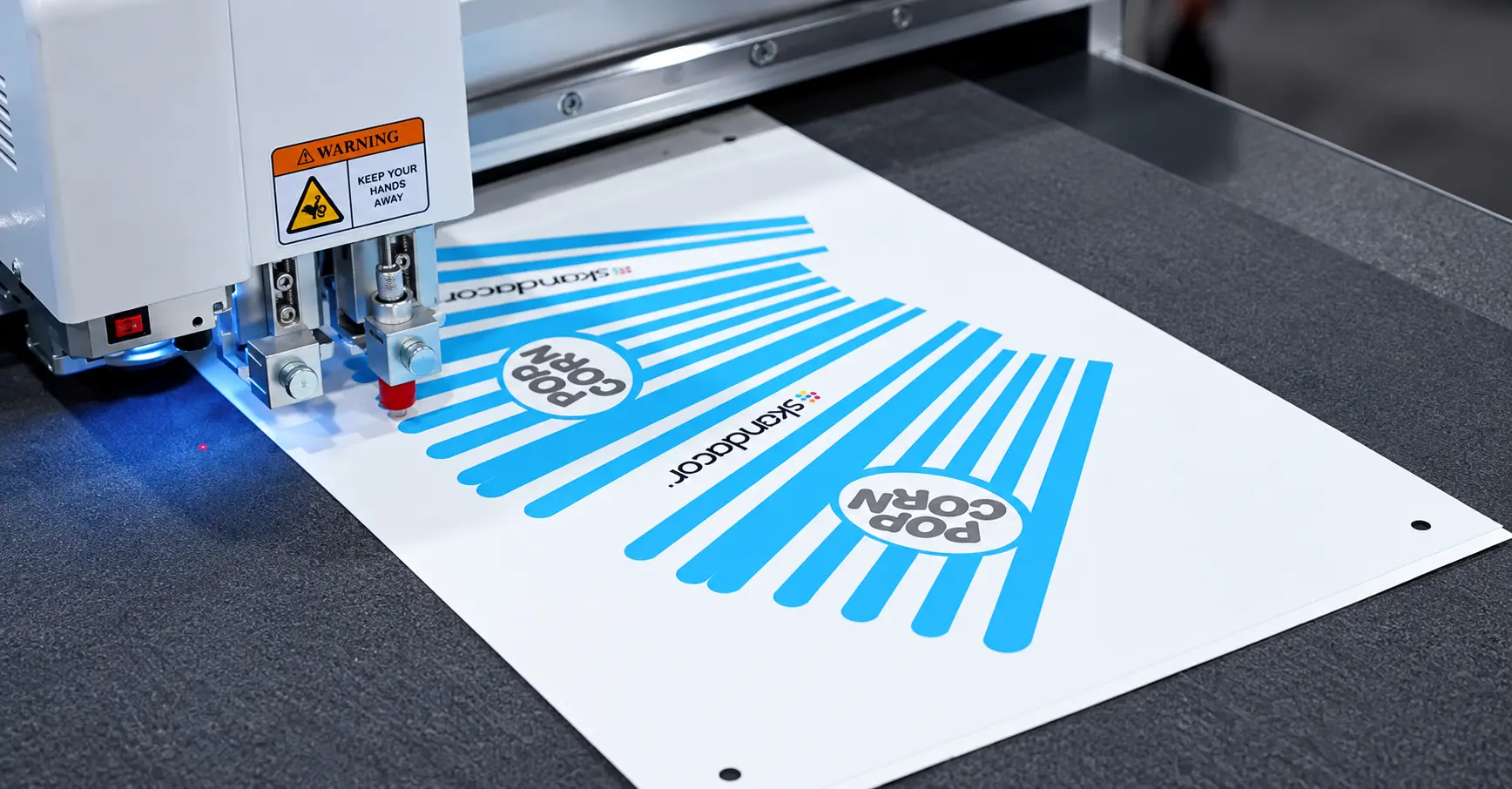
A digital die cutter, on the other hand, follows a defined cutting path created from a digital file. This is what makes die-free digital cutting different from traditional die cutting: the cutting path can be changed digitally from one job to the next, without creating a new physical die.
Depending on the machine and tooling, this can support applications such as:
- Rounded or curved business cards
- Angled cards
- Circular or geometric designs
- Cards with custom cutouts
- Logo-inspired shapes
- Specialty promotional cards
- Cards with multiple design variations
The result is more control over how the finished card looks, giving print providers another way to accommodate creative requests.
Design Details That Benefit From Digital Cutting
Custom business cards don’t always need an entirely different outline. Smaller details can also change how the finished card looks and feels.
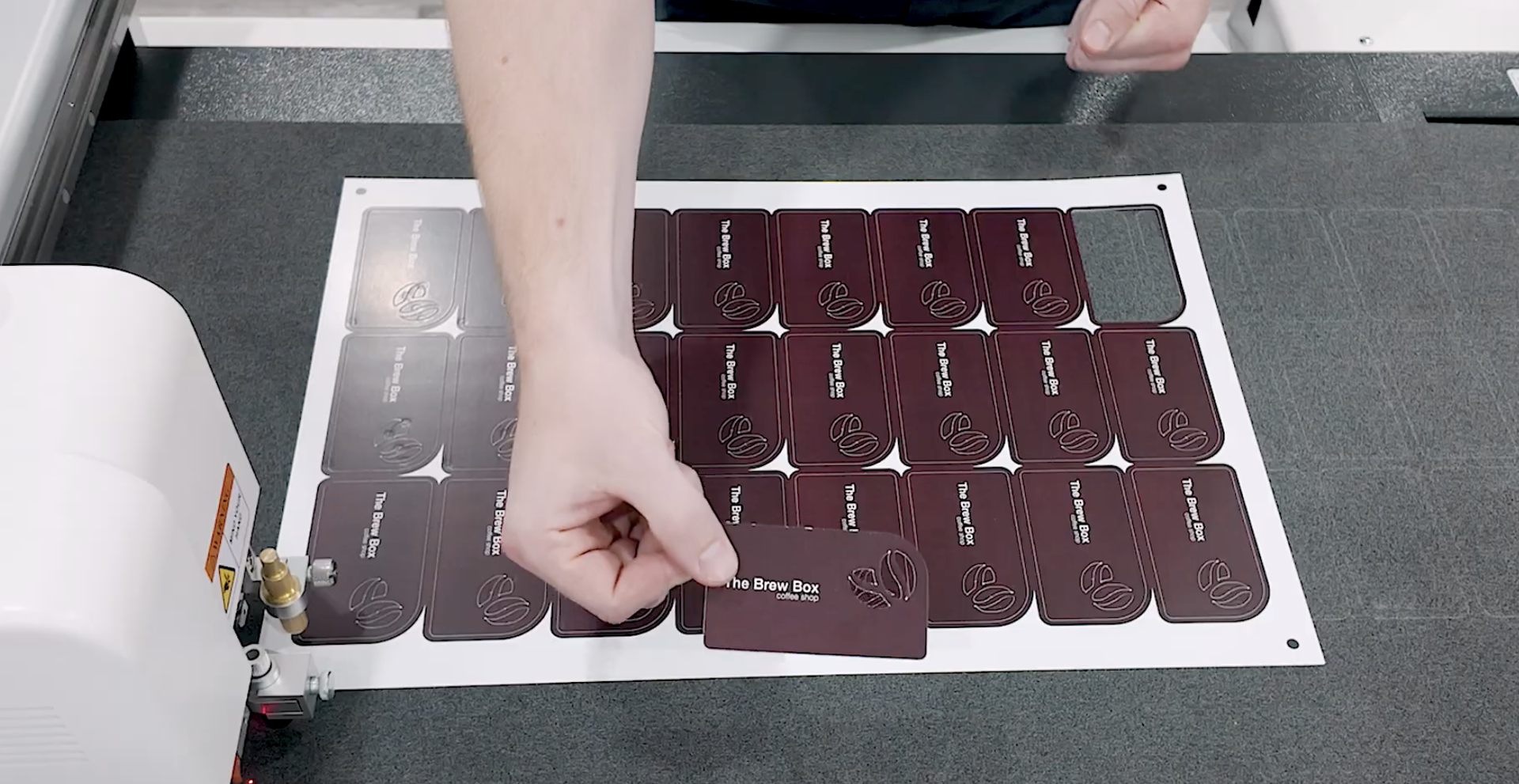
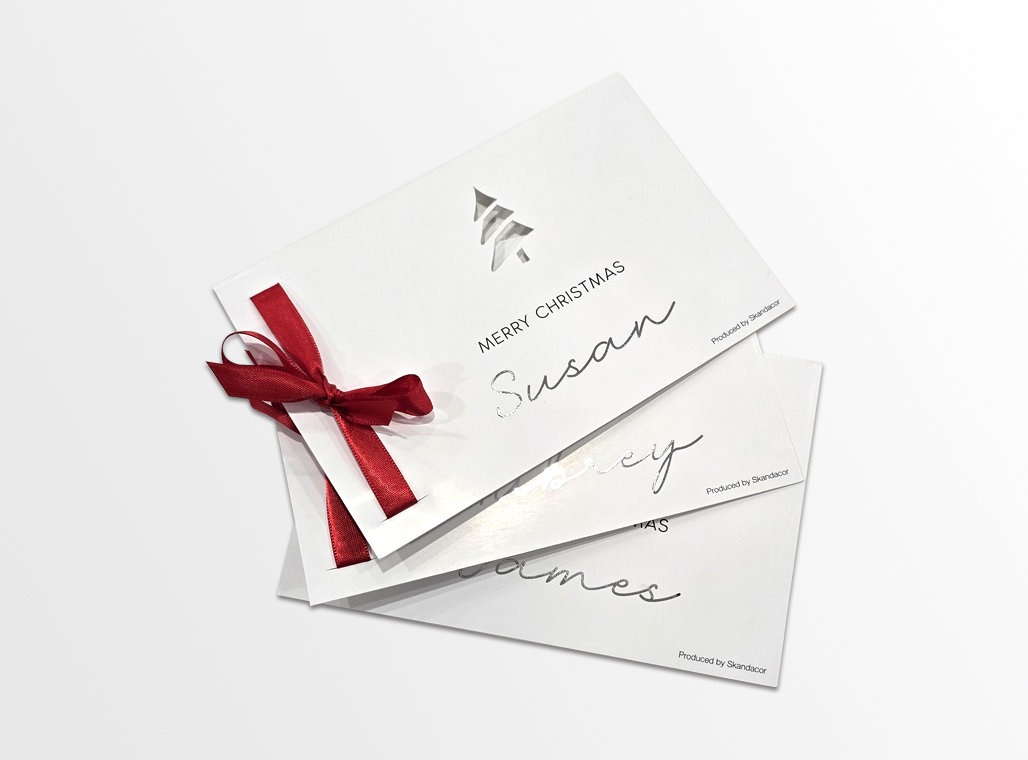
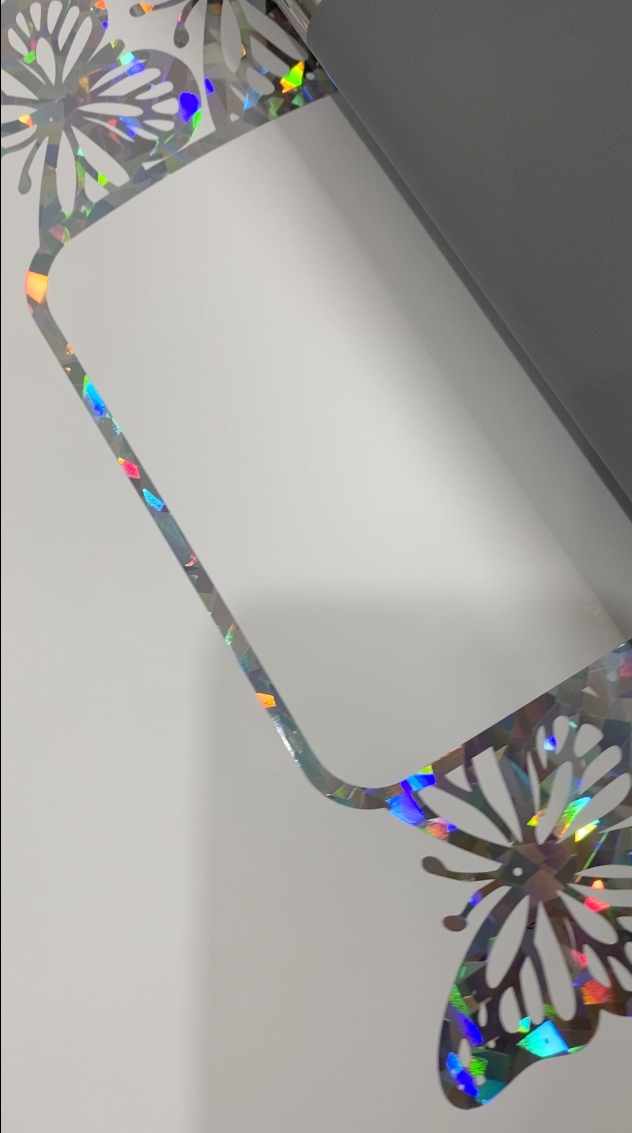
Cutouts, windows, notches, and other design elements can be incorporated into the card to create a more distinctive finished piece.
For example, a card could use a small cutout to reveal part of the design underneath, or a window could be positioned around a logo or graphic element.
These details allow designers to work with the physical construction of the card—not just its printed artwork.
Digital cutting translates these design elements into defined cutting paths, making the finishing process part of the overall design.
In this sense, the cut itself becomes part of the design.
How Businesses Can Use Custom Cards
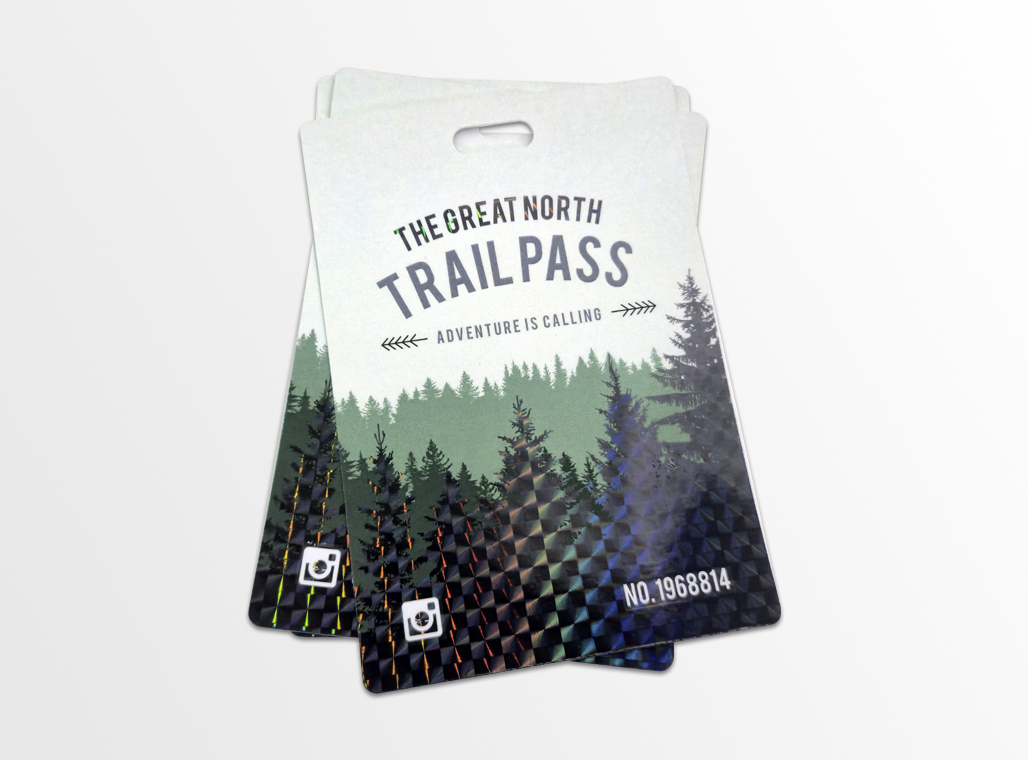
Custom-shaped cards can serve different purposes depending on how a business wants to use them. A company might use a die-cut card as a membership card, for example, giving it a shape or format that makes it easier to distinguish from a standard business card. A loyalty card can incorporate a custom shape while still leaving space for stamps, points, or other customer information.
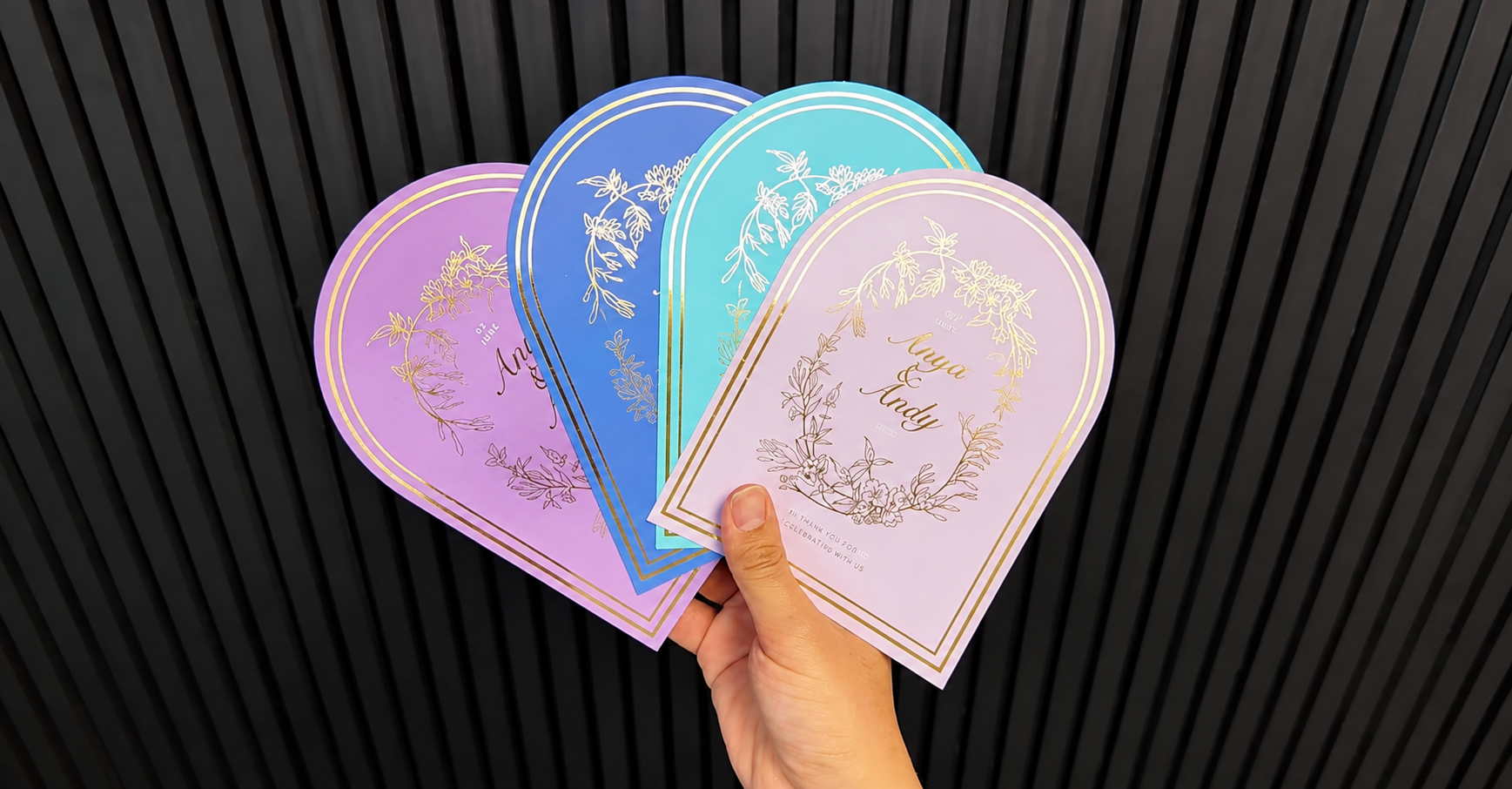
Die cutting can also be used for appointment cards, referral cards, gift cards, and promotional cards, where the shape becomes part of the customer experience. A folded or multi-panel card can provide additional space for information while maintaining a compact finished size. For promotional campaigns, cards can also be cut into a specific shape or outline that complements the campaign's design.
The possibilities extend beyond making a business card look different. Custom cutting allows print providers to produce cards around the purpose of the piece, whether that means creating a more memorable promotional handout, a functional customer card, or a finished piece that requires a specific shape or format.
What Materials Can You Use?
The finished design is only one part of the production process. The material being cut can also affect the way a business card is produced.
Business cards can be printed on a range of stocks and specialty materials, from standard cardstock to heavier or coated substrates. Some may also be laminated or combined with additional finishing processes, which can affect how the finished piece needs to be cut.
For print providers, understanding the materials they work with is an important part of planning a custom-cut business card job. A design that works well on one substrate may require a different approach on another, particularly when the material is thicker, coated, or layered.
It’s also worth thinking beyond the typical business card stock. If a shop plans to use digital cutting for products such as magnets, packaging, displays, or other specialty pieces, the range of substrates can become much broader. FINISHpro systems can work with different materials ranging from cardstock and paper to magnetic stock, corrugated plastic, and other specialty substrates, depending on the model and tooling.
Don’t Look at Business Cards in Isolation
If you’re considering whether to buy die cut business cards equipment, it’s worth looking beyond the business card orders themselves.
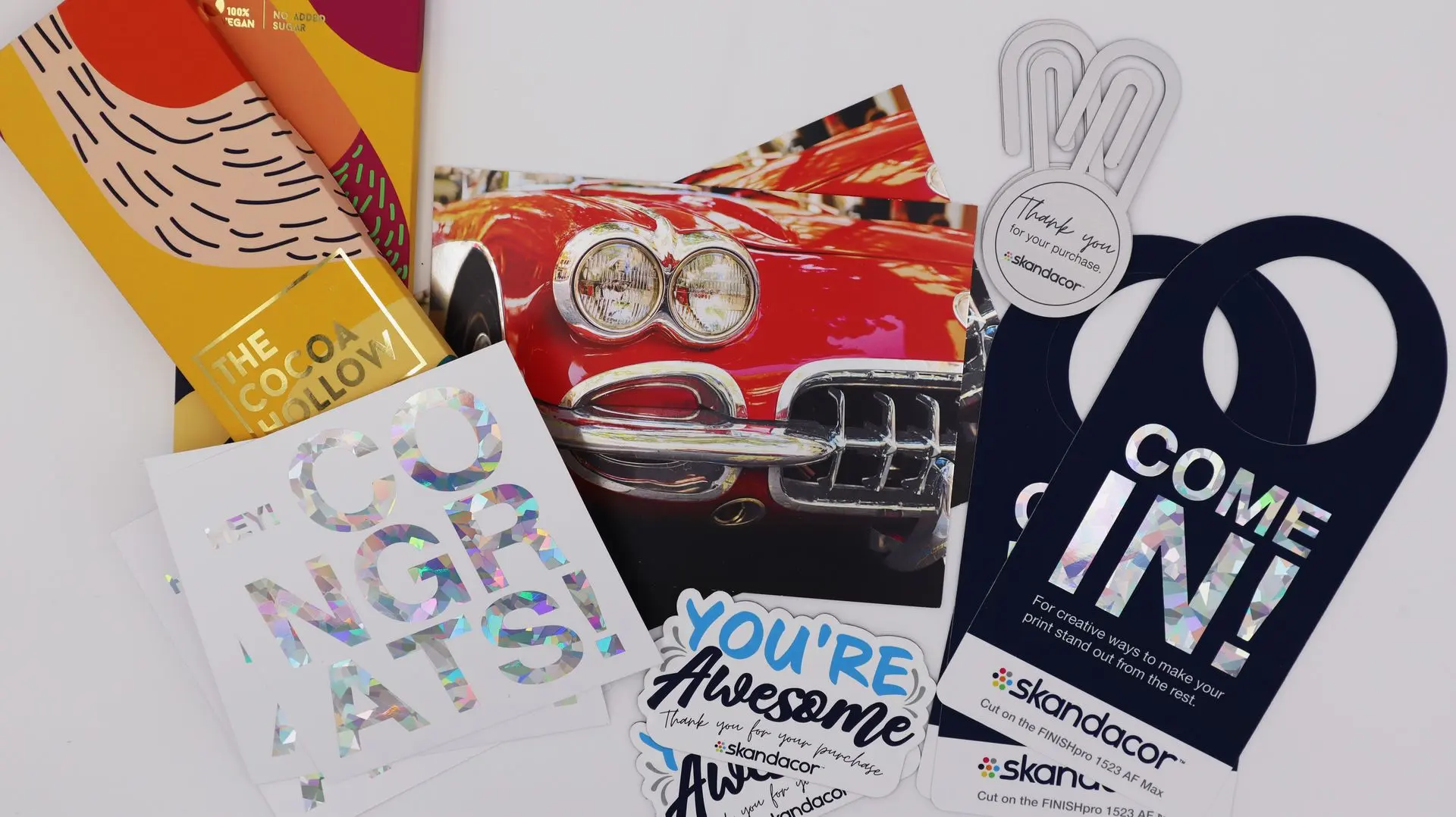
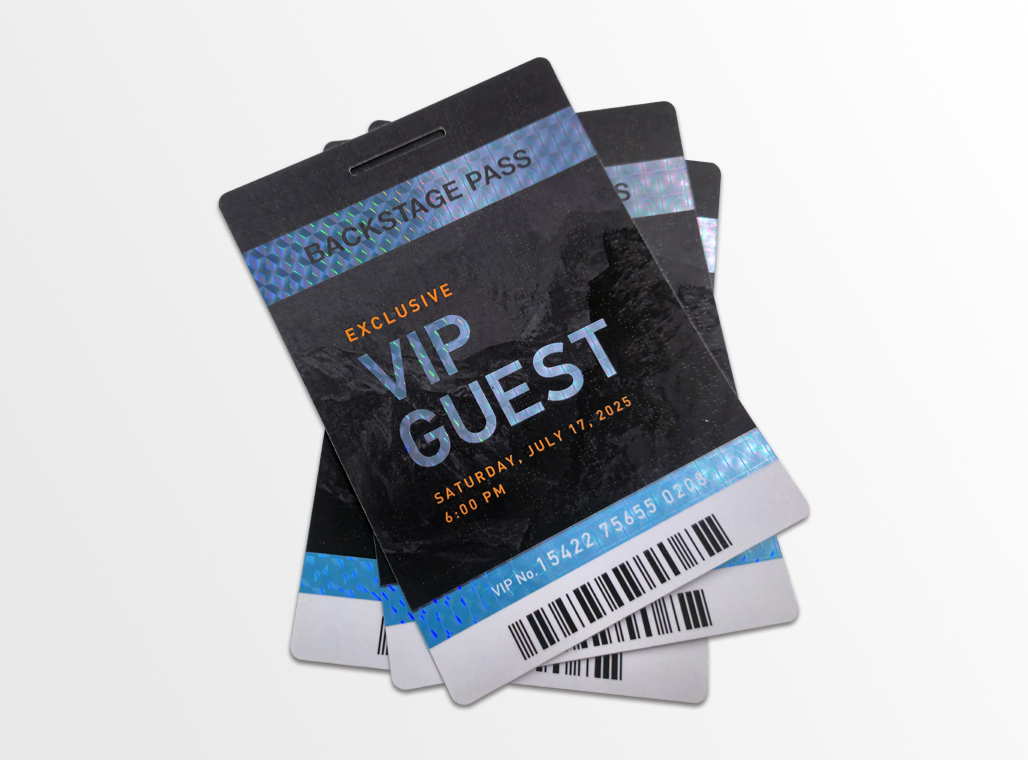
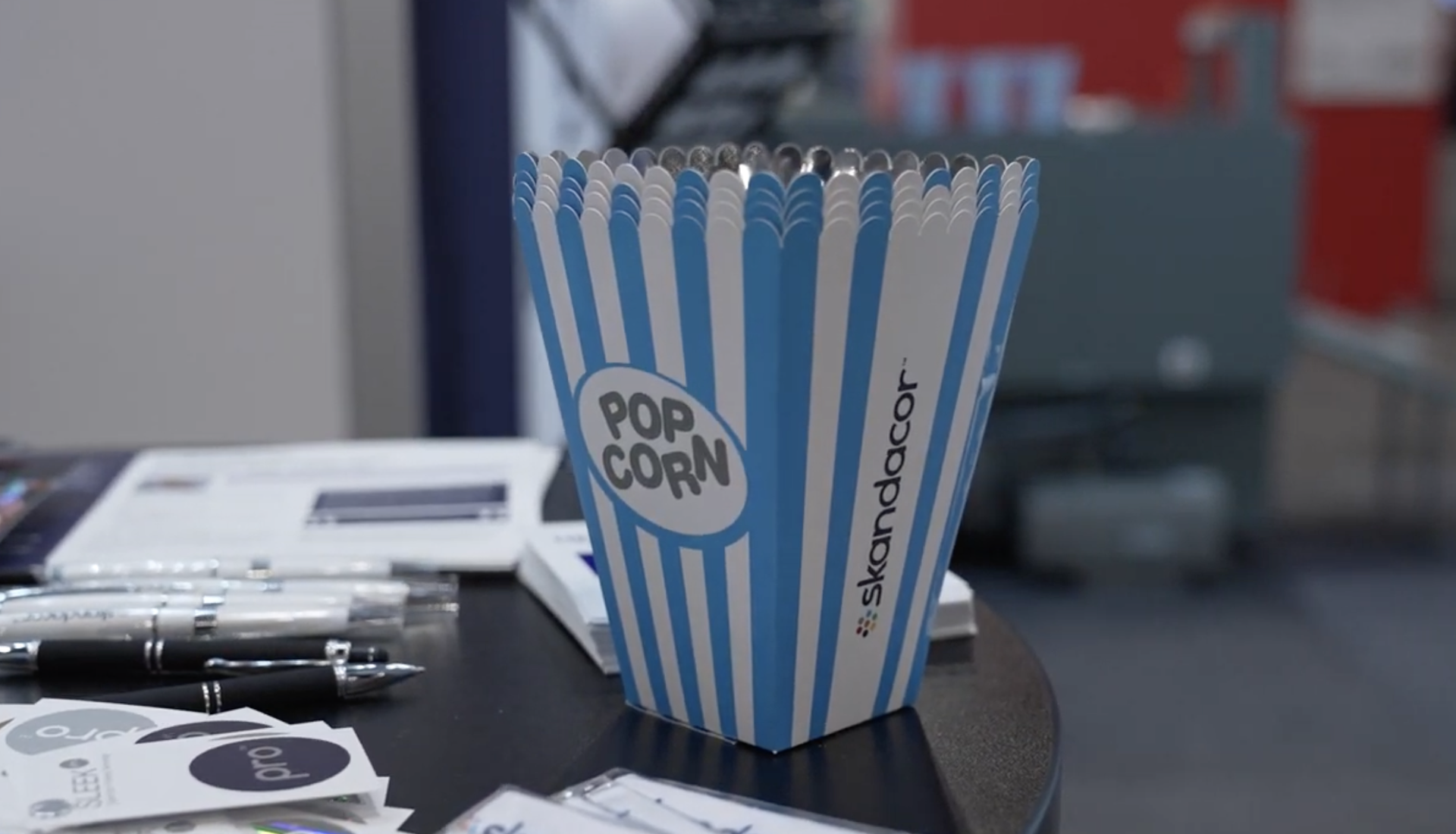
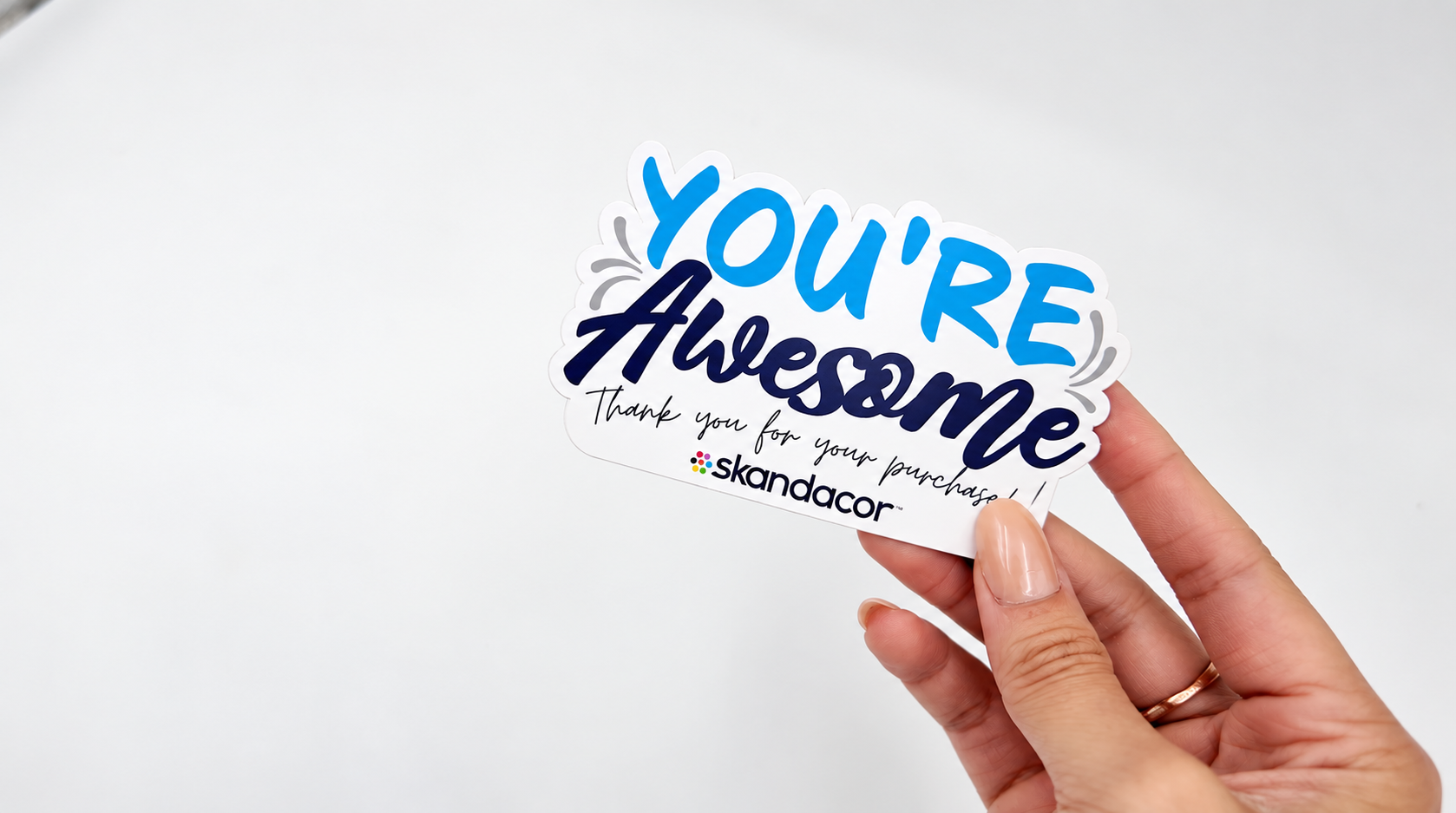
A digital cutter can become part of a broader finishing workflow, allowing print providers to take on additional applications using the same equipment. Depending on the machine, tooling, and substrate, these may include:
- Labels and stickers
- Product tags
- Invitations
- Promotional pieces
- Custom magnets
- Packaging prototypes
- Folders
- Point-of-purchase materials
- Small displays
That broader perspective can change how print providers evaluate the investment.
Instead of asking, “How many custom business card orders do we have?” it may be more useful to ask, “How many of our current and potential applications could benefit from digital cutting?”
That approach can help determine whether a cutter is simply solving one production need or adding a new finishing capability to the shop.
Choosing the Right FINISHpro for Your Applications
With the applications and materials in mind, the next step is finding a digital cutter that fits your workflow. That’s where the FINISHpro digital die cutter lineup comes in.
The FINISHpro lineup gives print providers options for different production needs, from everyday print finishing to thicker substrates and larger-format applications. The FINISHpro 1523 AF and FINISHpro 1523 AF Max both offer a 15" × 23" cutting area, while the AF Max provides greater capacity for thicker and more varied substrates. For shops handling larger formats, the FINISHpro 2739 AF Max offers a larger working area.
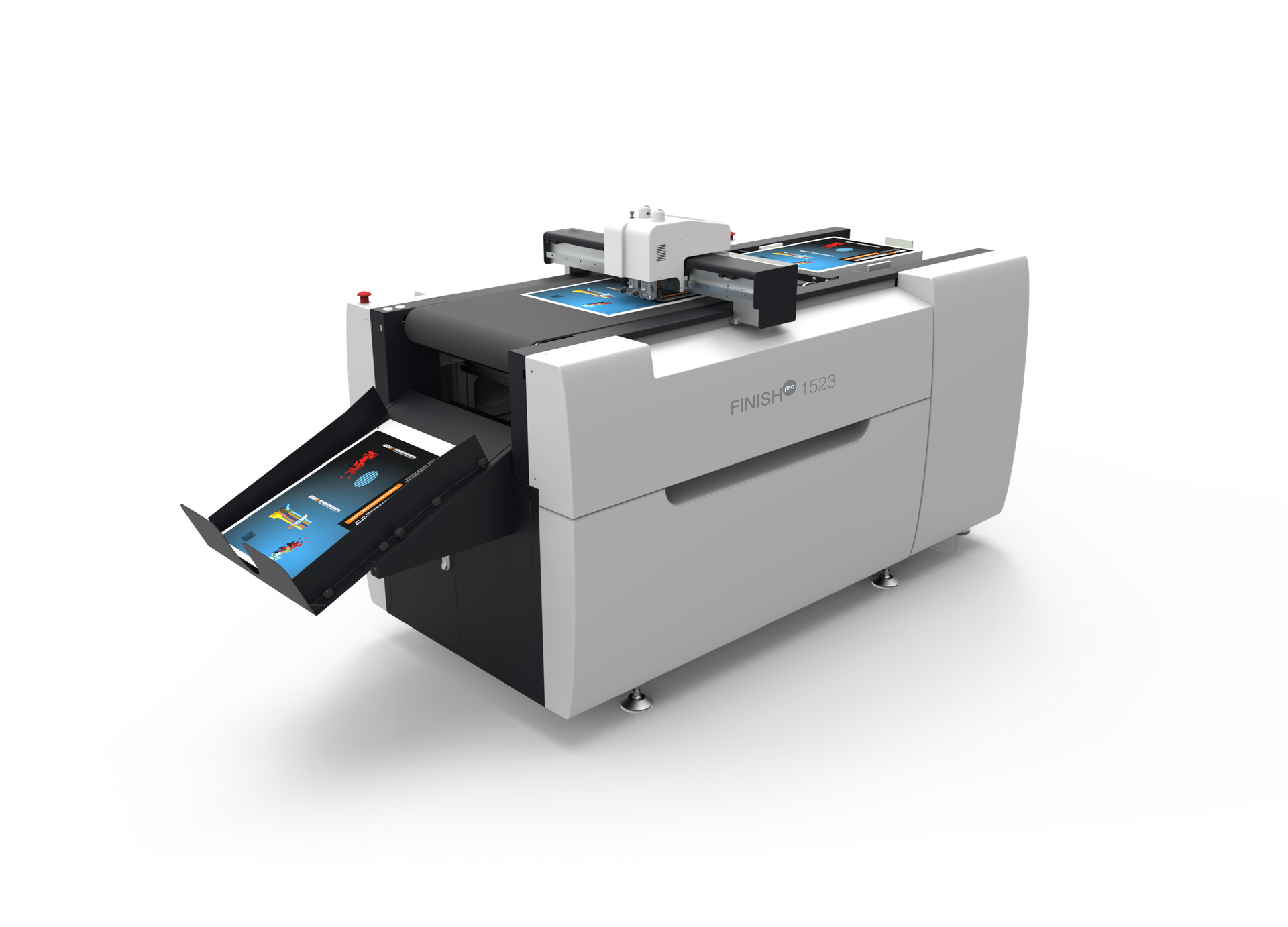
FINISHpro 1523 AF
If most of your work involves standard print materials and you need a compact digital cutting solution, the FINISHpro 1523 AF may be a good fit. Its 15 × 23-inch cutting area is suited to applications such as business cards, invitations, labels, tags, adhesive sheets, and small packaging.
Consider this model if: you primarily work with paper, sticker stock, and card stock and want to add digital cutting without moving into larger or thicker-material applications.
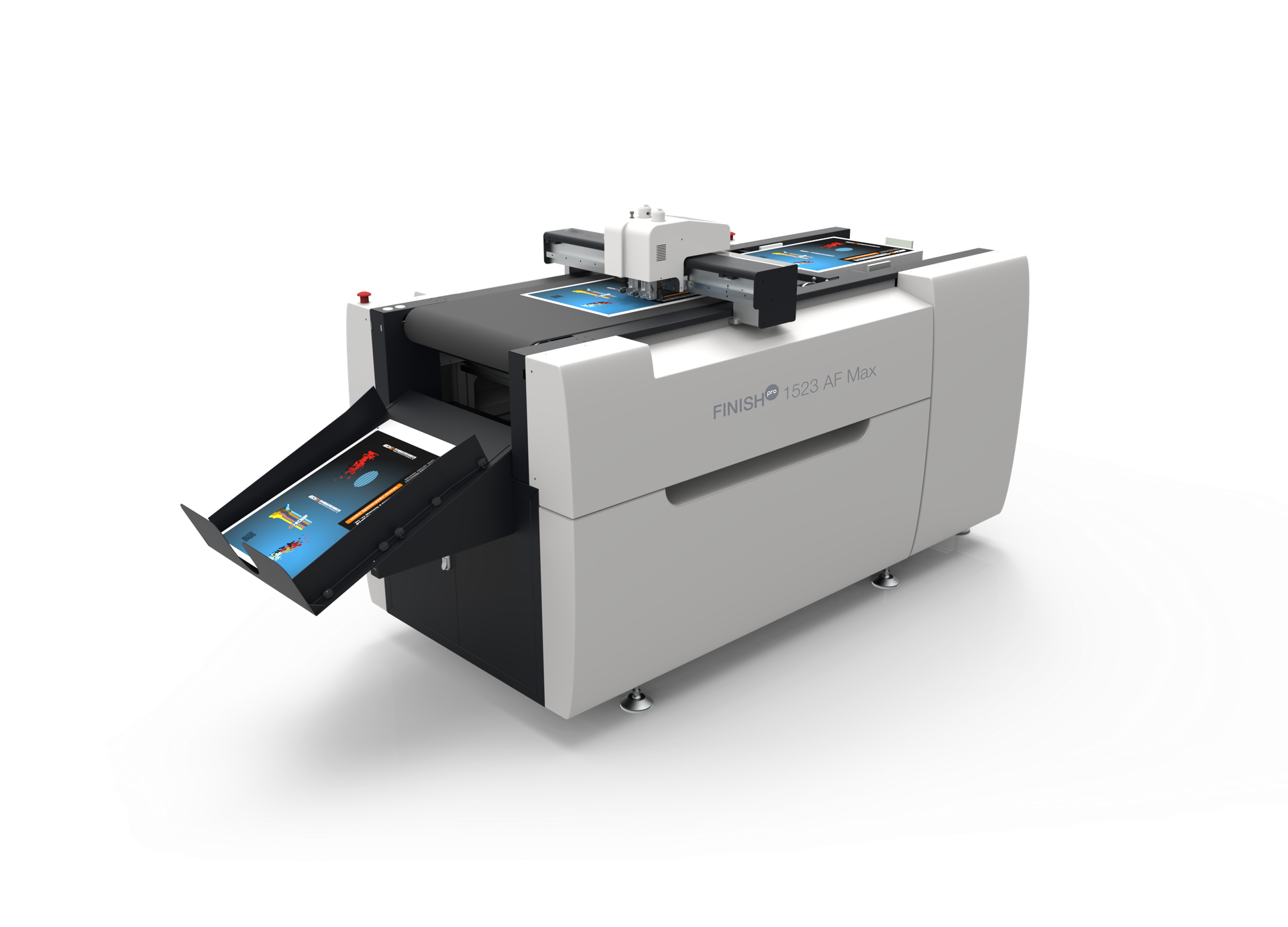
FINISHpro 1523 AF MAX
Want to go beyond standard print? The FINISHpro 1523 AF Max keeps the compact 15 × 23-inch format while giving you the ability to work with materials up to 6 mm thick.
This can open the door to applications such as specialty cards, packaging samples, signage, foam board projects, and magnetic applications.
Consider this model if: you want a smaller-footprint cutter but don't want to be limited to standard paper-based applications.
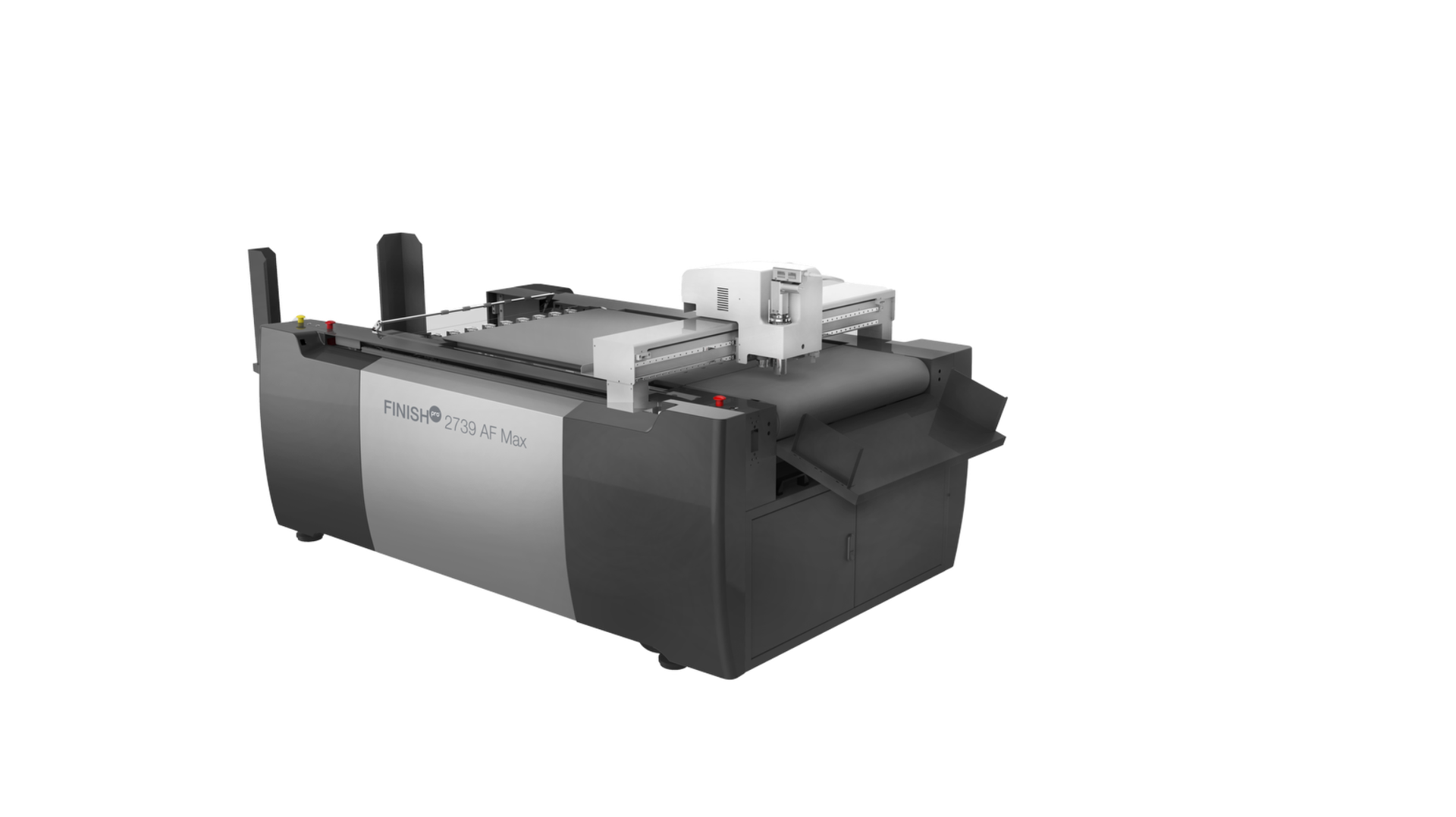
FINISHpro 2739 AF MAX
Need to take on larger custom work? The FINISHpro 2739 AF Max offers a 39 × 28-inch cutting area and can process materials including foam board, cardboard, sticker stock, magnetic sticker stock, and corrugated plastic.
Think custom signage, packaging prototypes, displays, magnetic graphics, and short-run specialty projects.
Consider this model if: you're looking to expand beyond conventional print and bring larger, customized applications in-house. Its four fixed knife holders and general-purpose tool holder also give you flexibility to switch tools depending on the job.
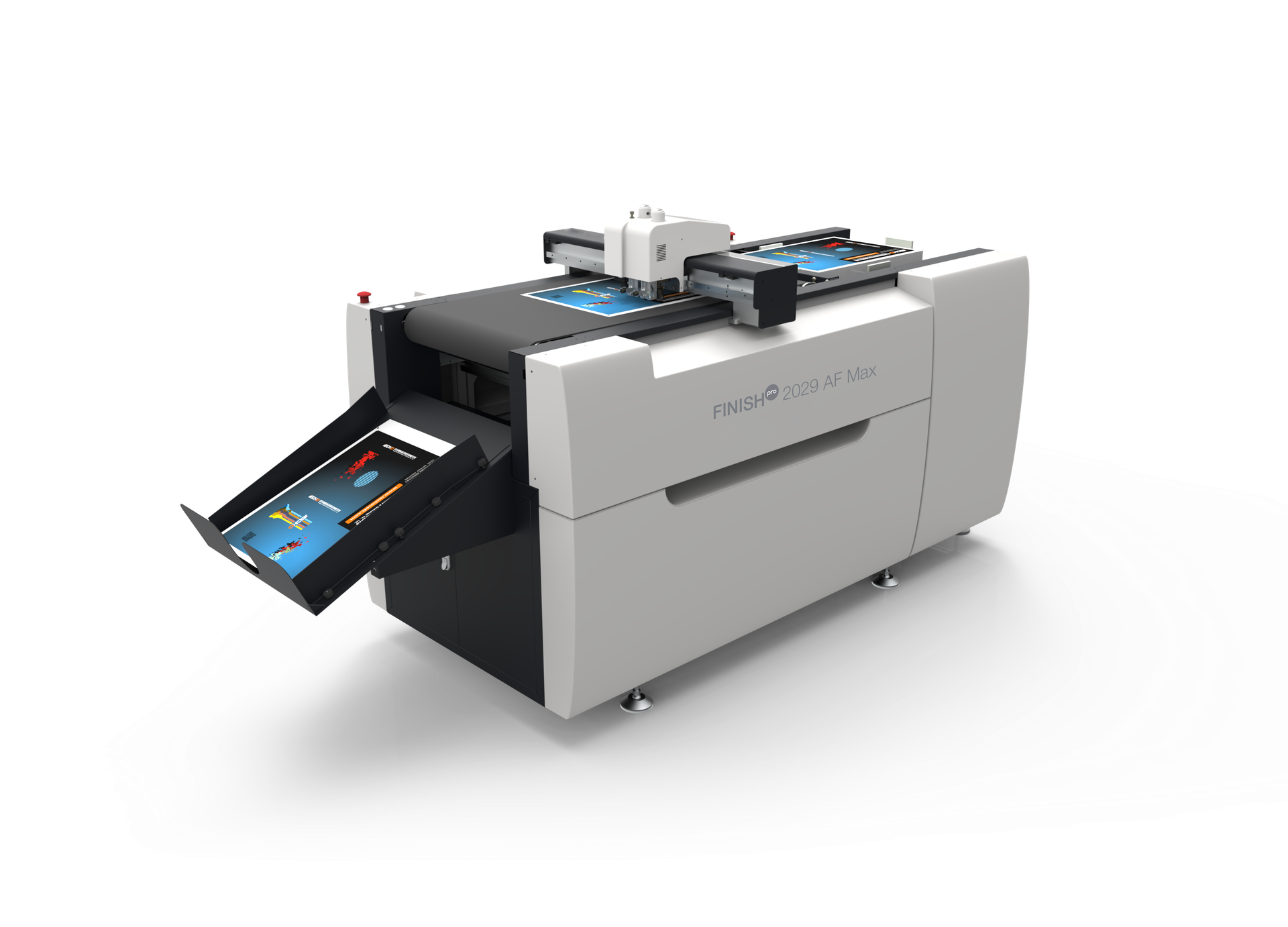
FINISHpro 2029 AF MAX
If you like the broader material capabilities of the AF Max but need more cutting space, the FINISHpro 2029 AF Max gives you a 20 × 29-inch cutting area and material capability up to 6 mm.
That combination can be useful for larger packaging samples, displays, specialty print, and customized short-run work.
Consider this model if: you want to handle thicker or specialty materials while having more room for larger jobs.
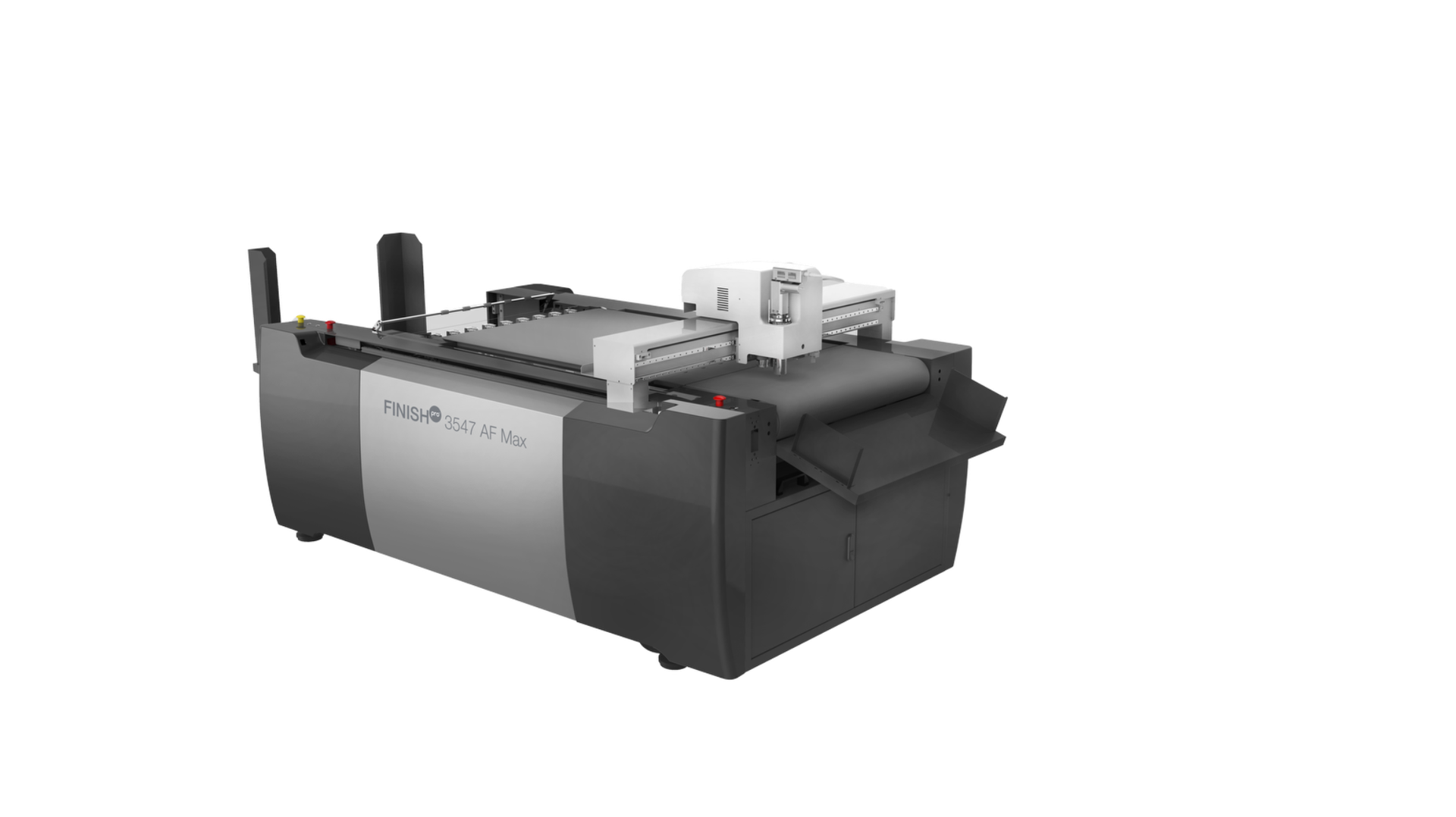
FINISHpro 3547 AF MAX
If your work regularly calls for larger sheets and applications, the FINISHpro 3547 AF Max takes the cutting area up to 47 × 35 inches while offering the same broad material range as the 2739 AF Max.
This makes it a potential fit for large-format signage, displays, packaging, magnetic graphics, and other specialty applications where a larger work area can make production more practical.
Consider this model if: large-format work is already part of your business—or you're planning to make it a bigger part of what you offer.
Of course, the biggest machine isn’t necessarily the best fit. The differences between the models ultimately come down to factors such as material capability, cutting area, and the types of applications a shop plans to produce.
The right FINISHpro can help give your shop the cutting capability to grow beyond standard business card production.
Final Thought
Business card production sits at an interesting point between everyday print and specialty finishing. The format may be familiar, but the expectations around it can range from a simple name card to a highly customized piece that reflects a brand’s identity.
At Skandacor, we provide digital finishing solutions for print providers across Canada, USA, Europe, and beyond, helping shops find equipment that aligns with the applications, materials, and formats they work with every day.
When the next business card order calls for something outside the ordinary, the finishing process should be ready for it.
Have an application in mind? Talk to our team about the material, finished size, and type of cut you want to produce, and we can help you determine which FINISHpro configuration fits your workflow.
More to Explore
Want to read more about digital die cutting and finishing? Here are a few related Skandacor articles: